4 steps. Under 2 minutes.
From product photo to
lifestyle scene
Follow one coffee table through the entire OmniRoom workflow, from a plain catalog shot to five marketplace-ready room scenes.
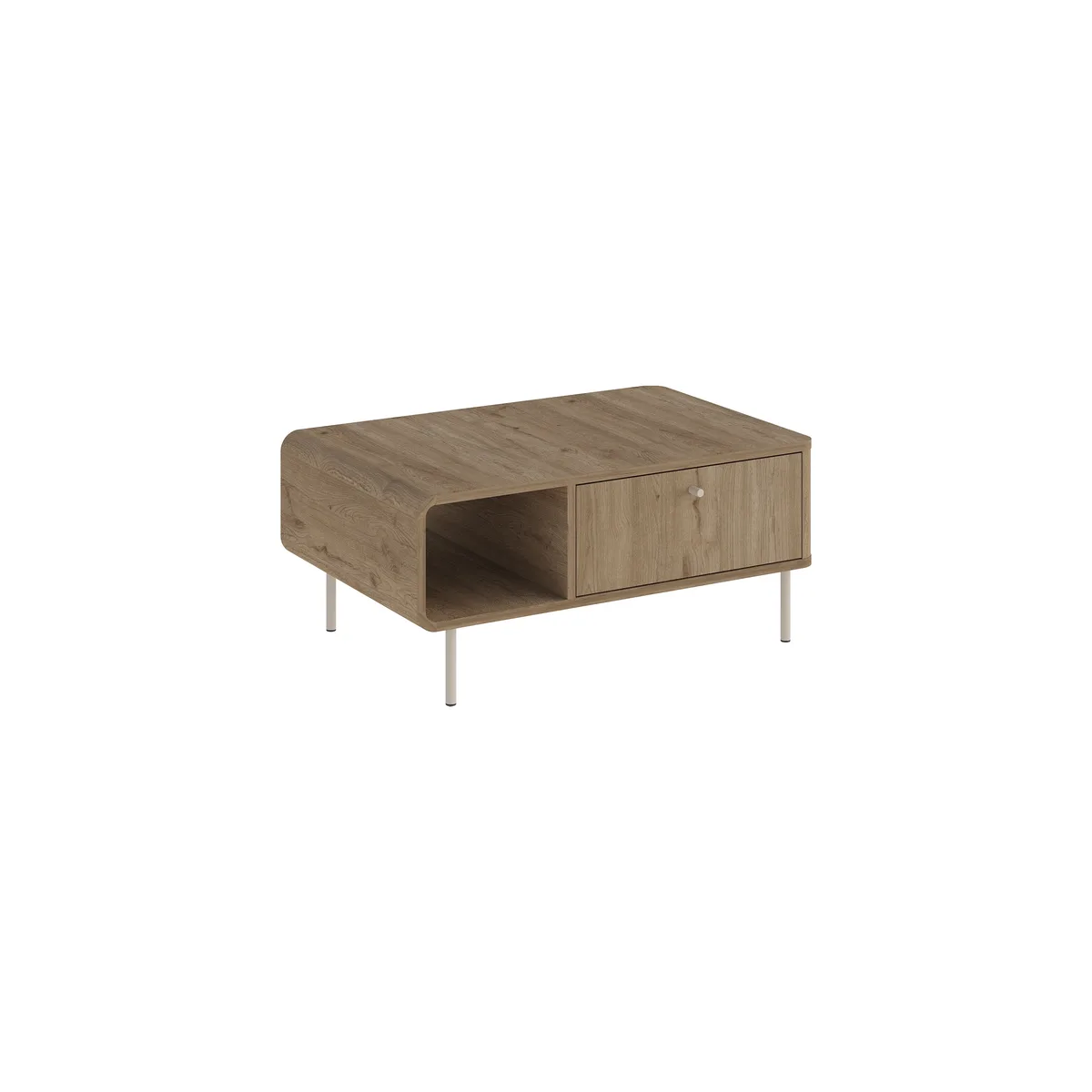
Upload your product photo
Drop any product image, a manufacturer catalog shot, a phone photo, even a 3D render. OmniRoom automatically detects the furniture and removes the background.
Choose your room style
Pick from curated room environments. Adjust lighting, camera angle, and mood. Or describe your ideal scene in plain text.
 Modern Minimalist
  Scandinavian Hygge
 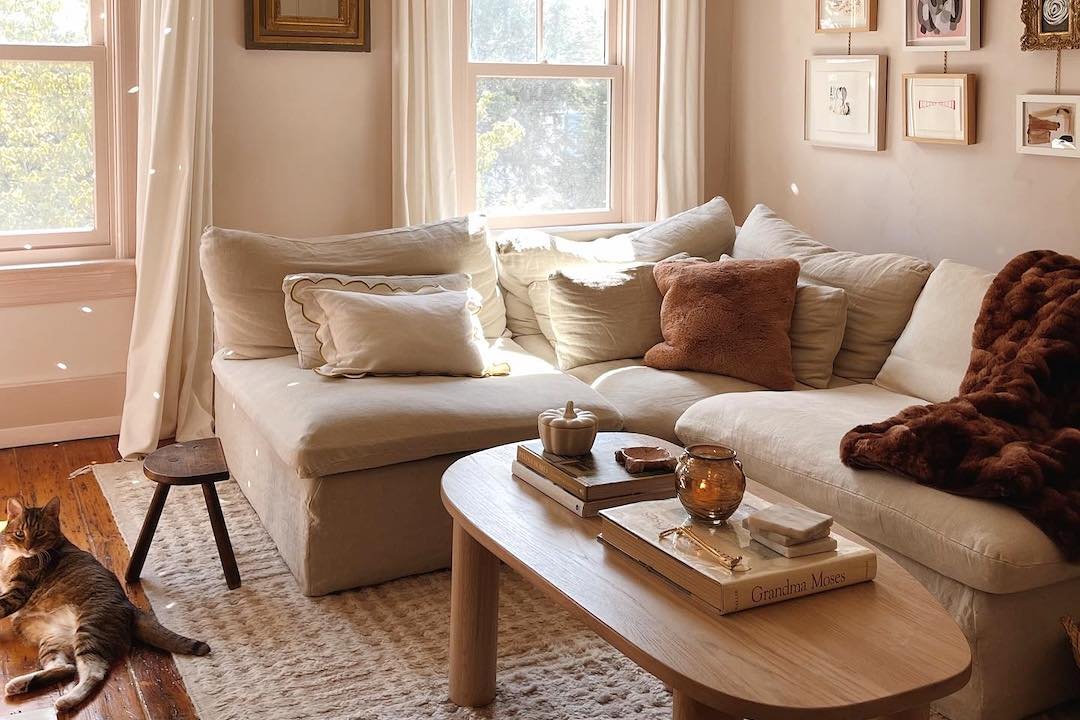 Cozy / Warm
 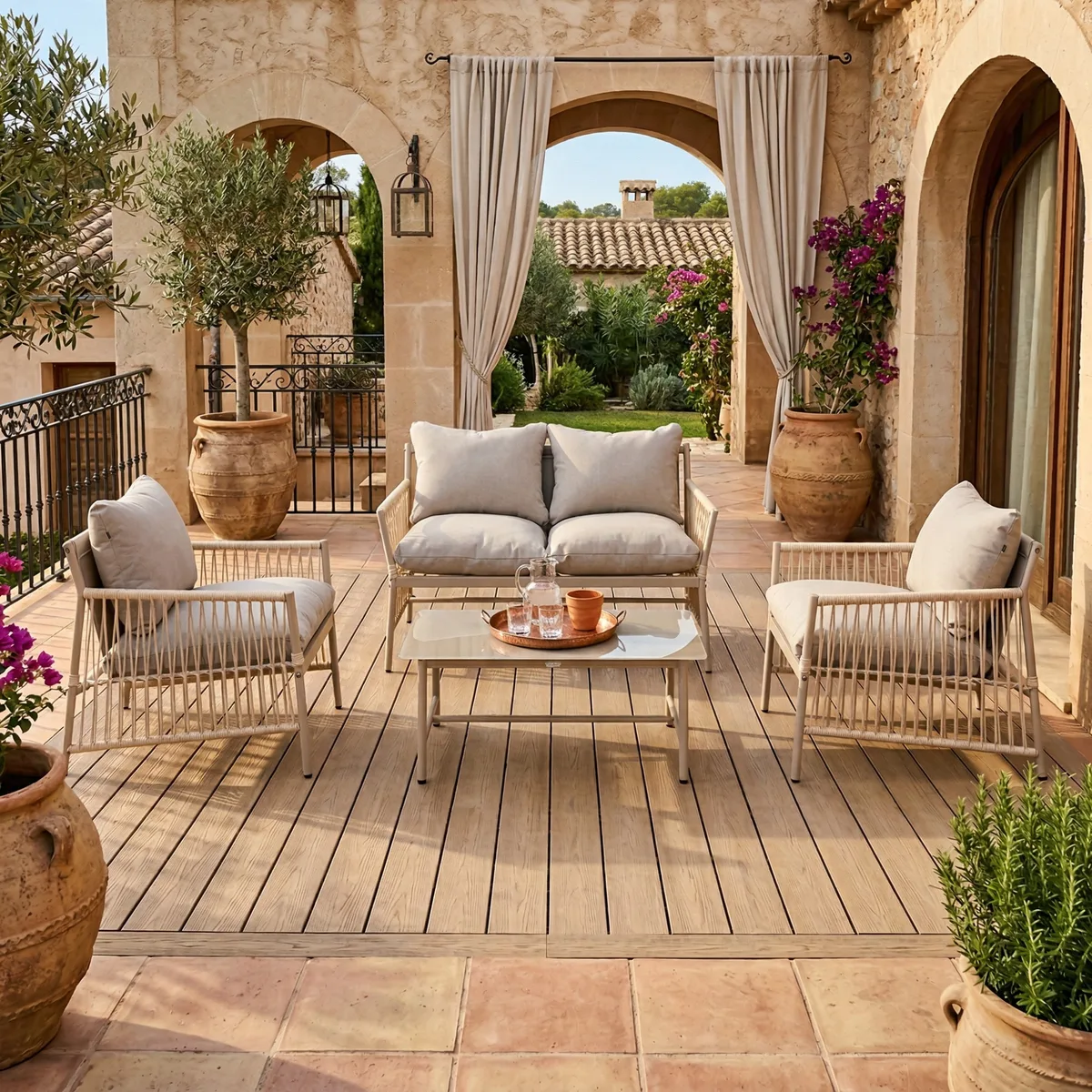 Mediterranean
 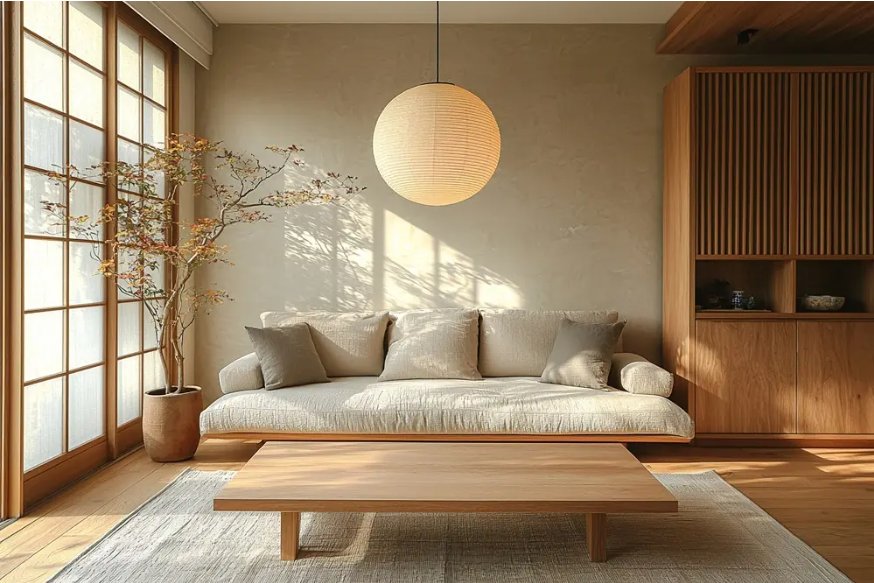 Japandi
 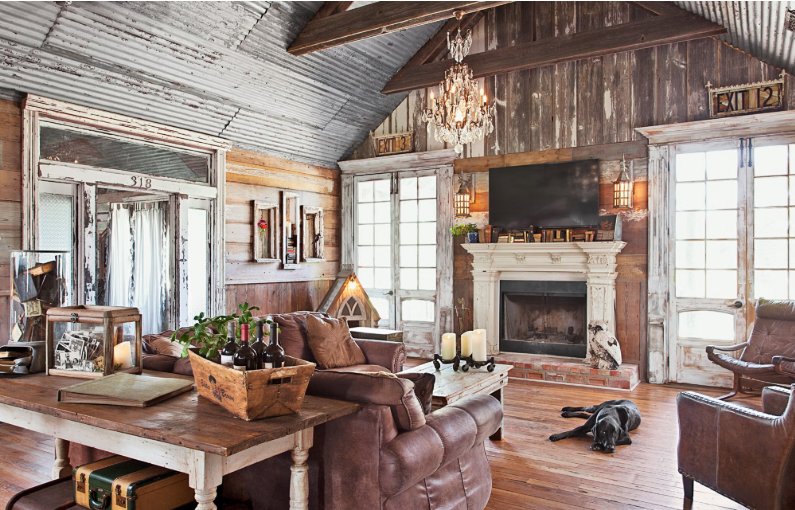 Rustic Farmhouse
 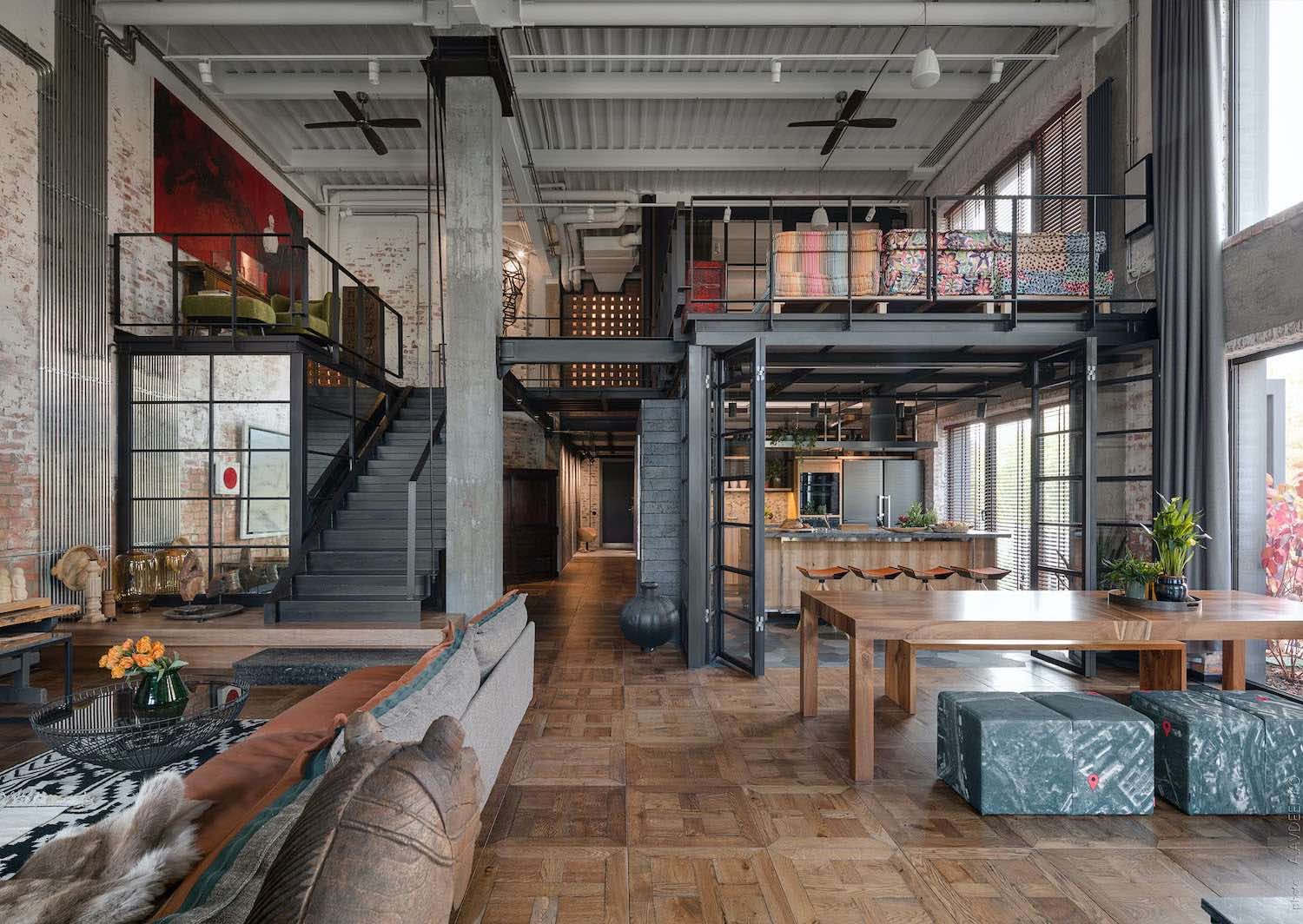 Industrial Loft
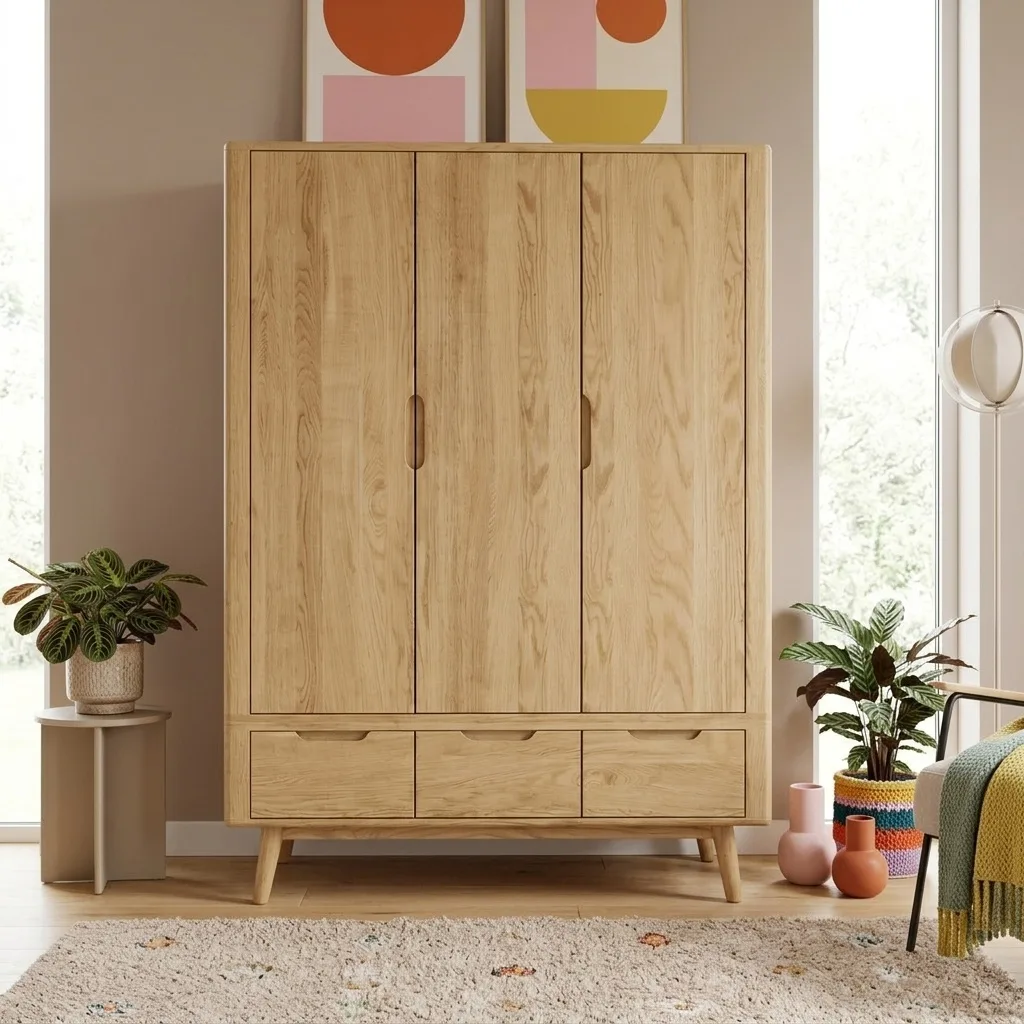
 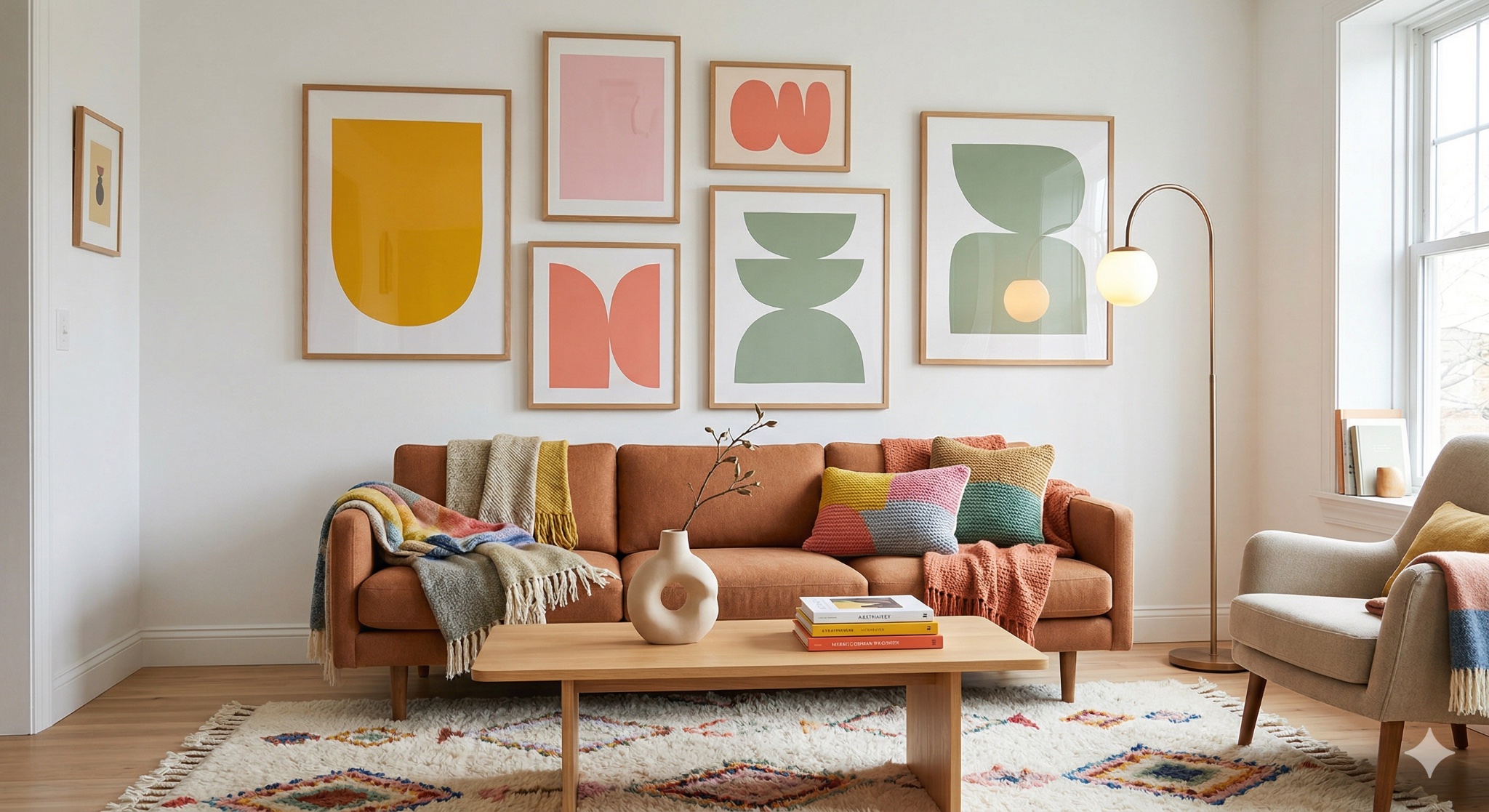 Cozy Dopamin
  Urban Loft
 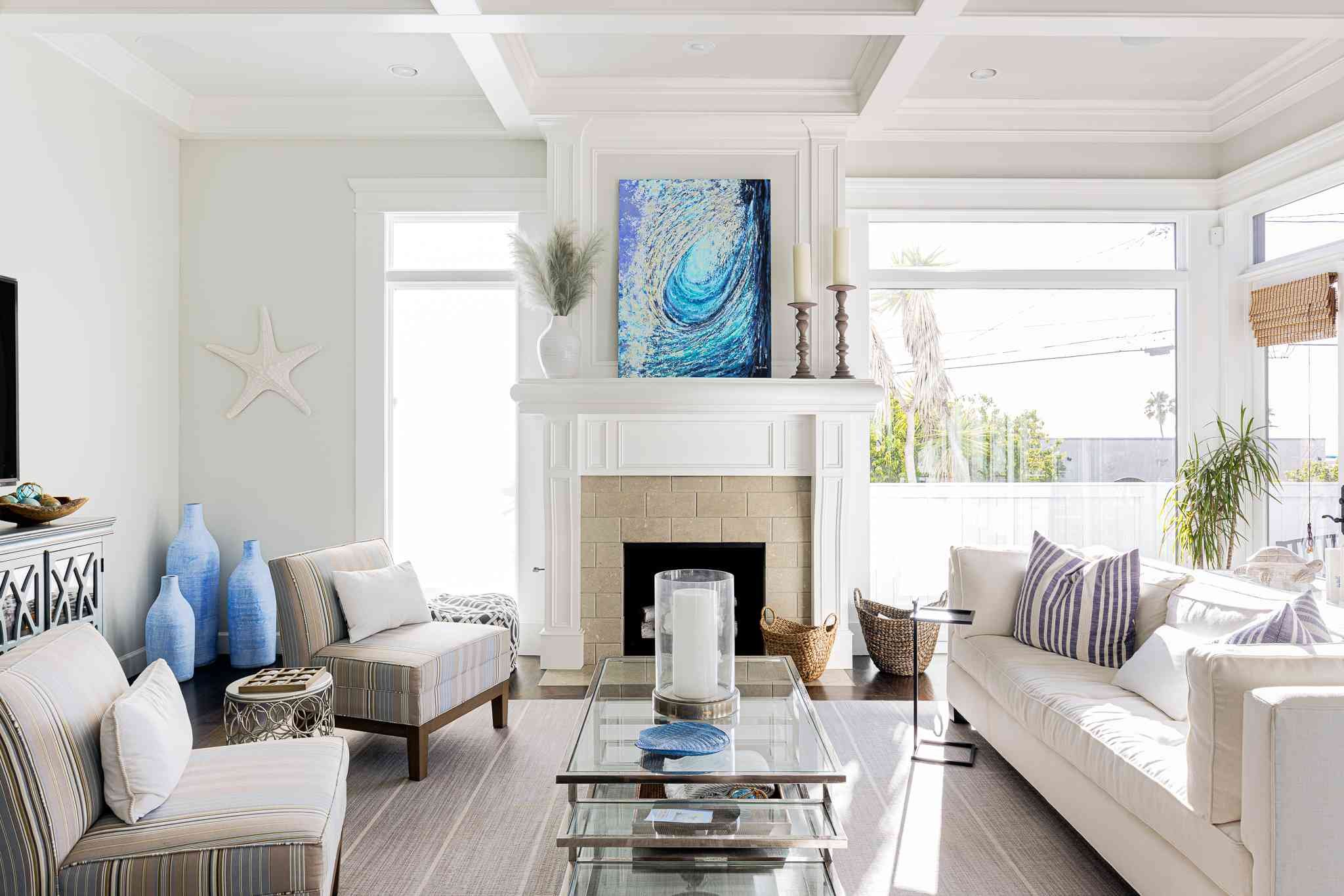 Coastal / Beach
 20+ room styles available, from Scandinavian to Wabi-Sabi
Generate in seconds
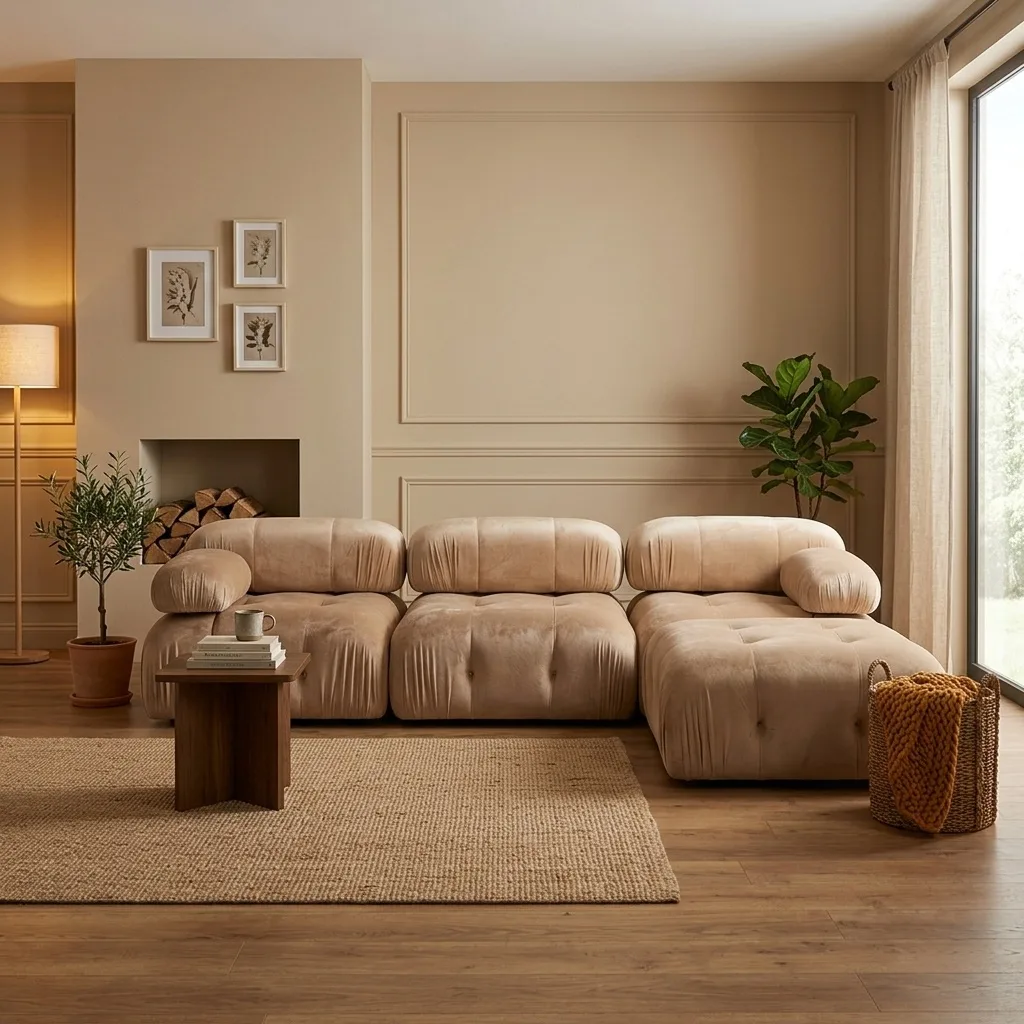
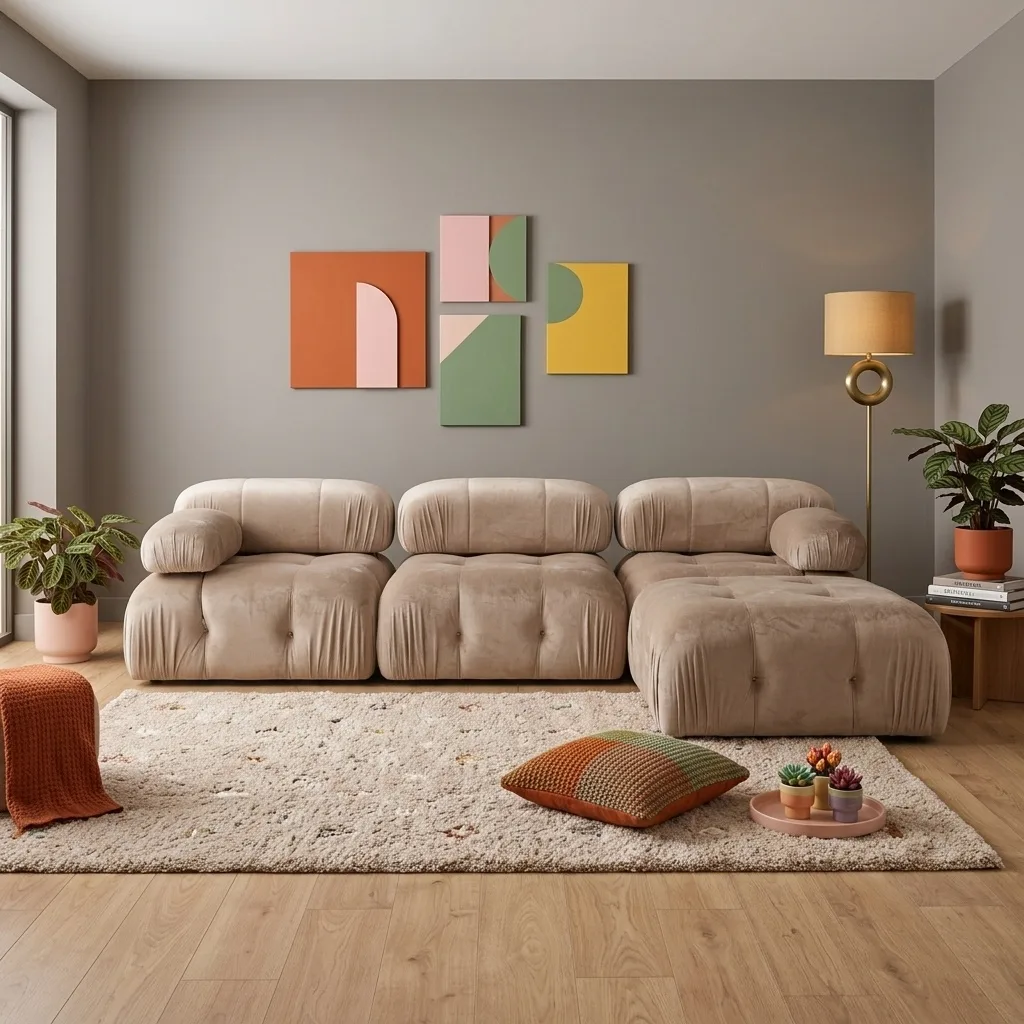
OmniRoom's furniture-specialized AI generates photorealistic room scenes while preserving your product's exact colors, textures, and proportions.
Input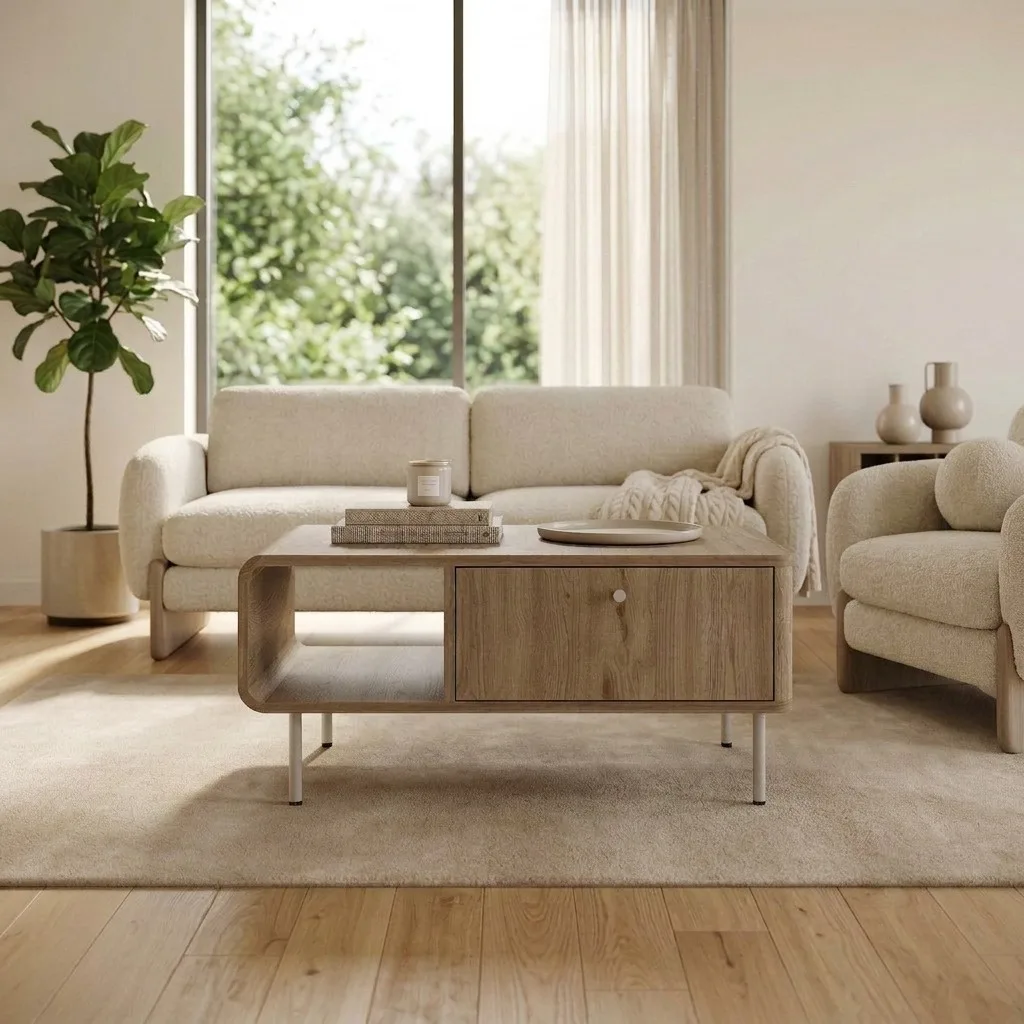 Result
Download & publish
2K or 4K resolution at 300 DPI. Ready for Amazon, Wayfair, Etsy, Shopify, or any marketplace. Five different room styles from one product photo:
Modern Natural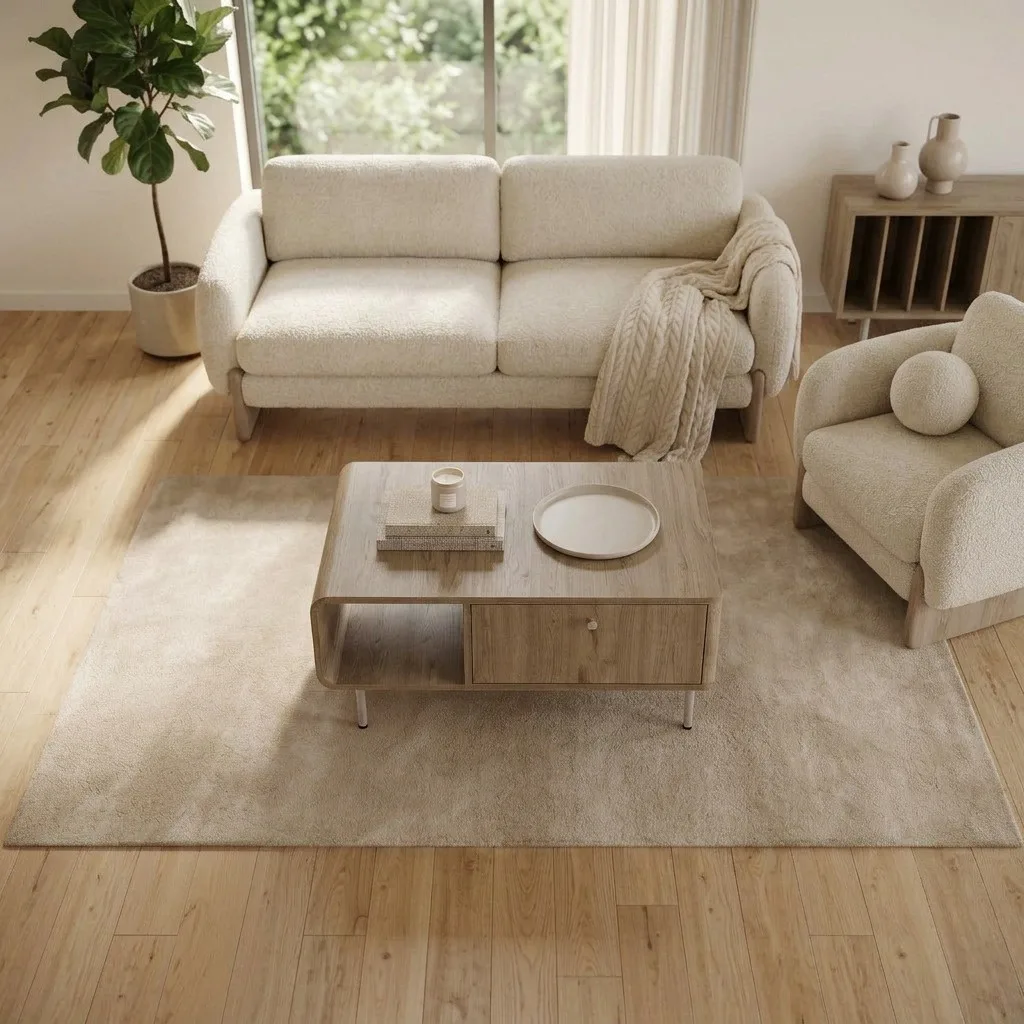 Aerial View
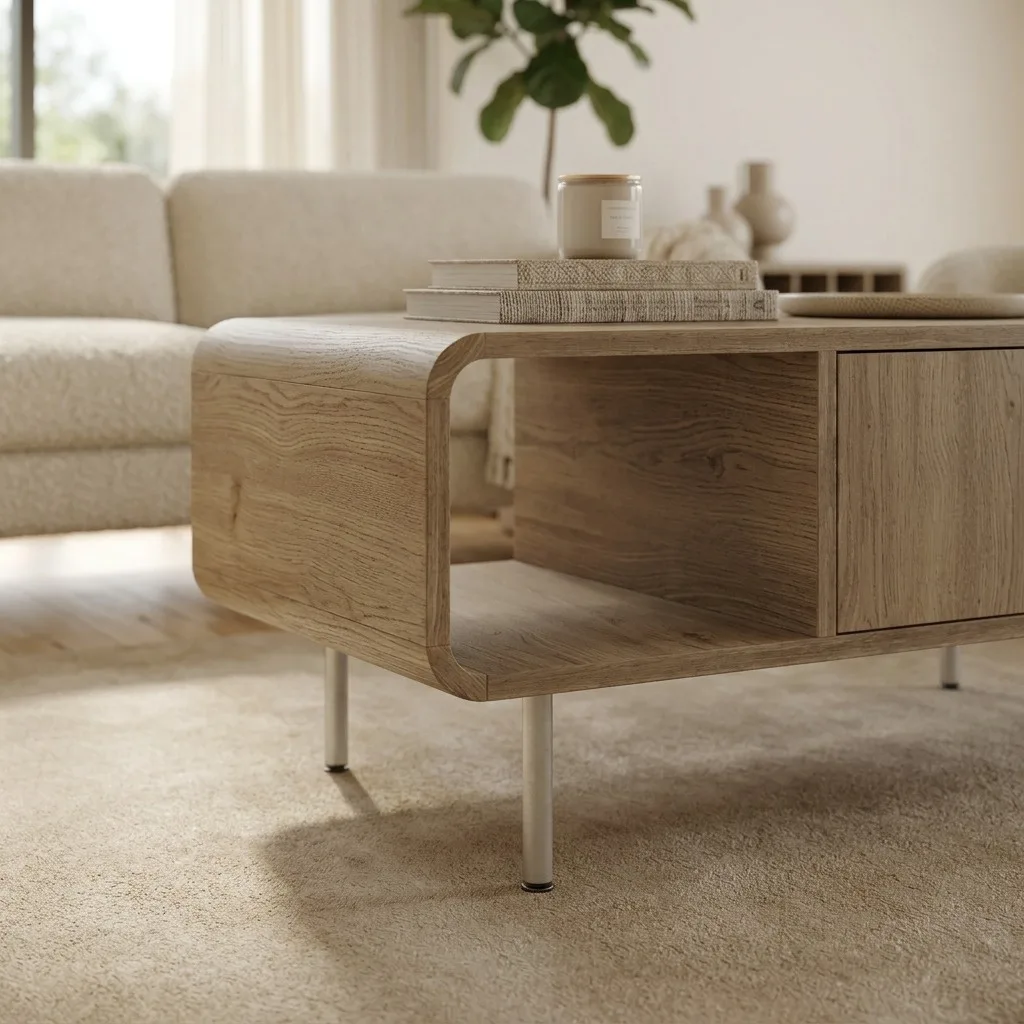 Close-Up Detail
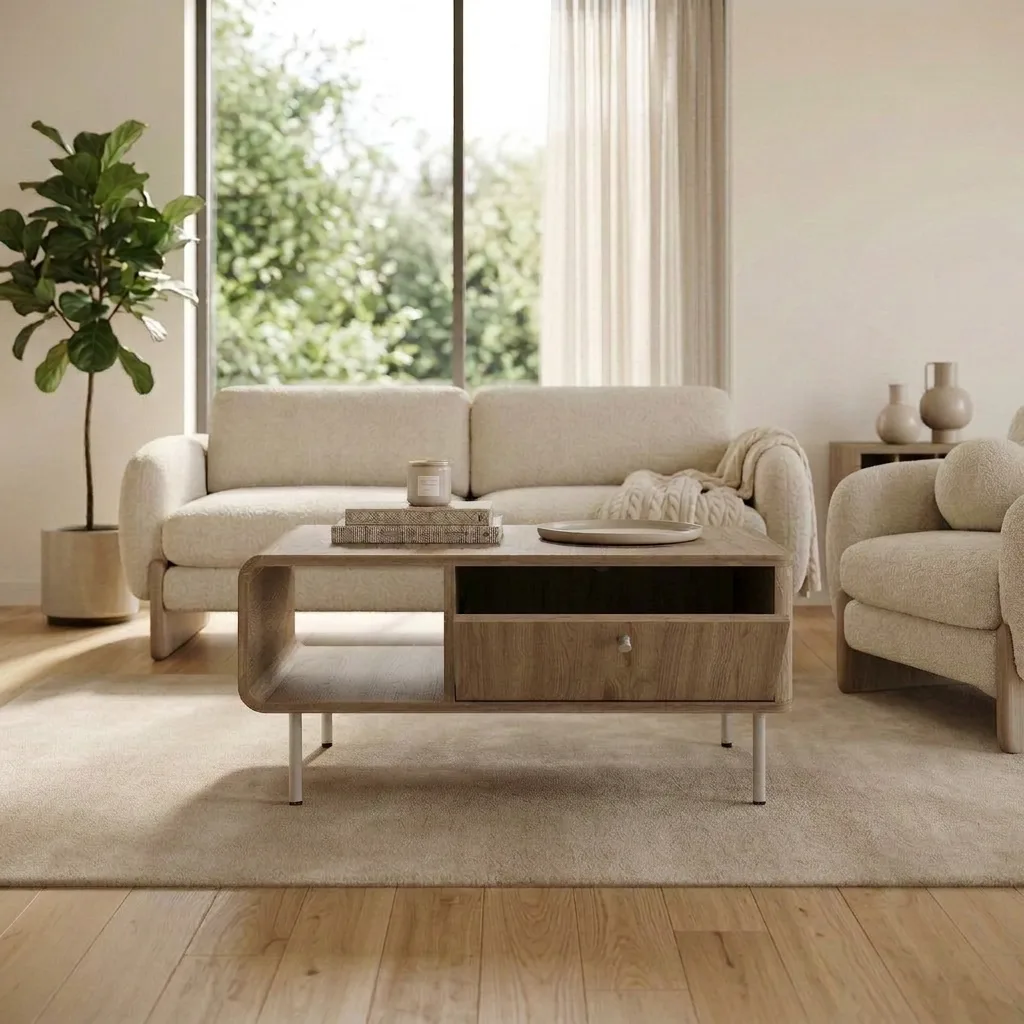 Warm Living
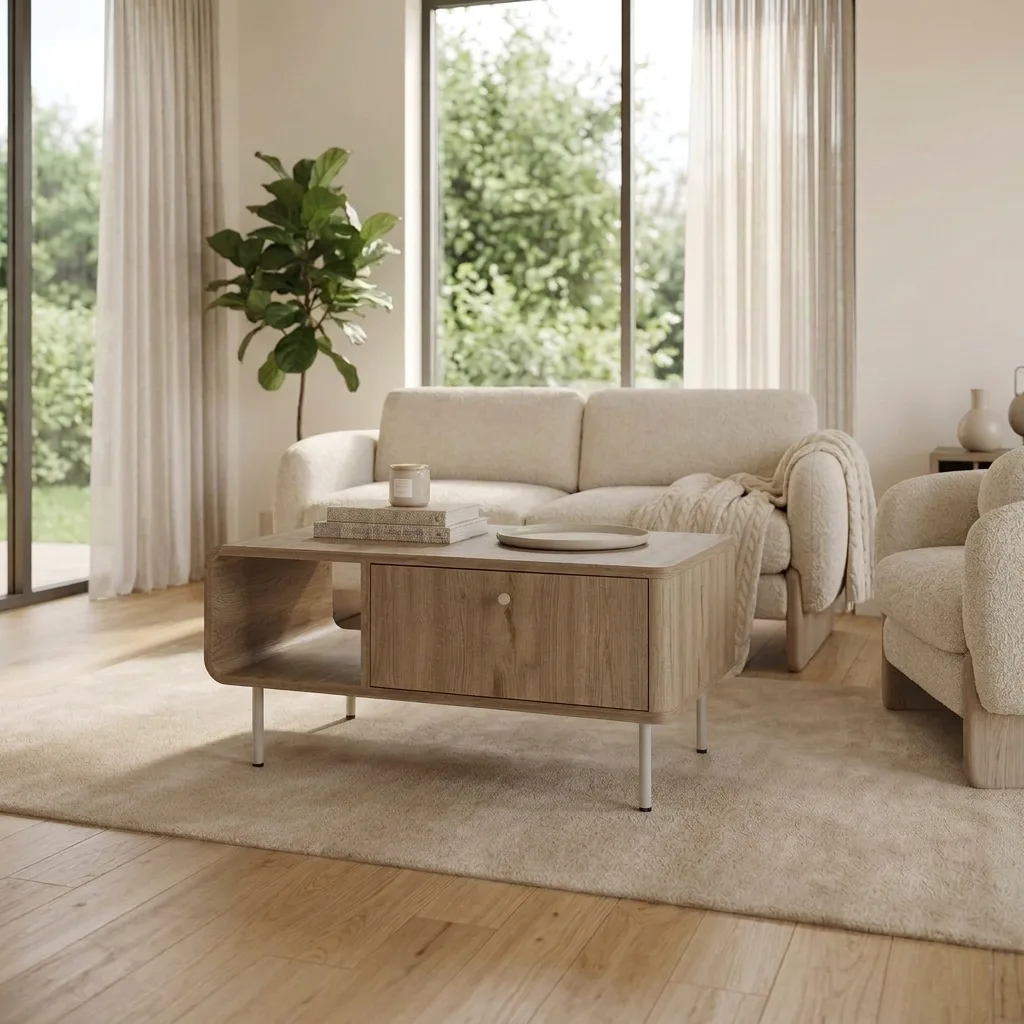 Soft Minimal
All 5 images generated from the same product photo in under 2 minutes
Works for every furniture category
Sofas, outdoor sets, wardrobes, beds, tables, same workflow, same quality.
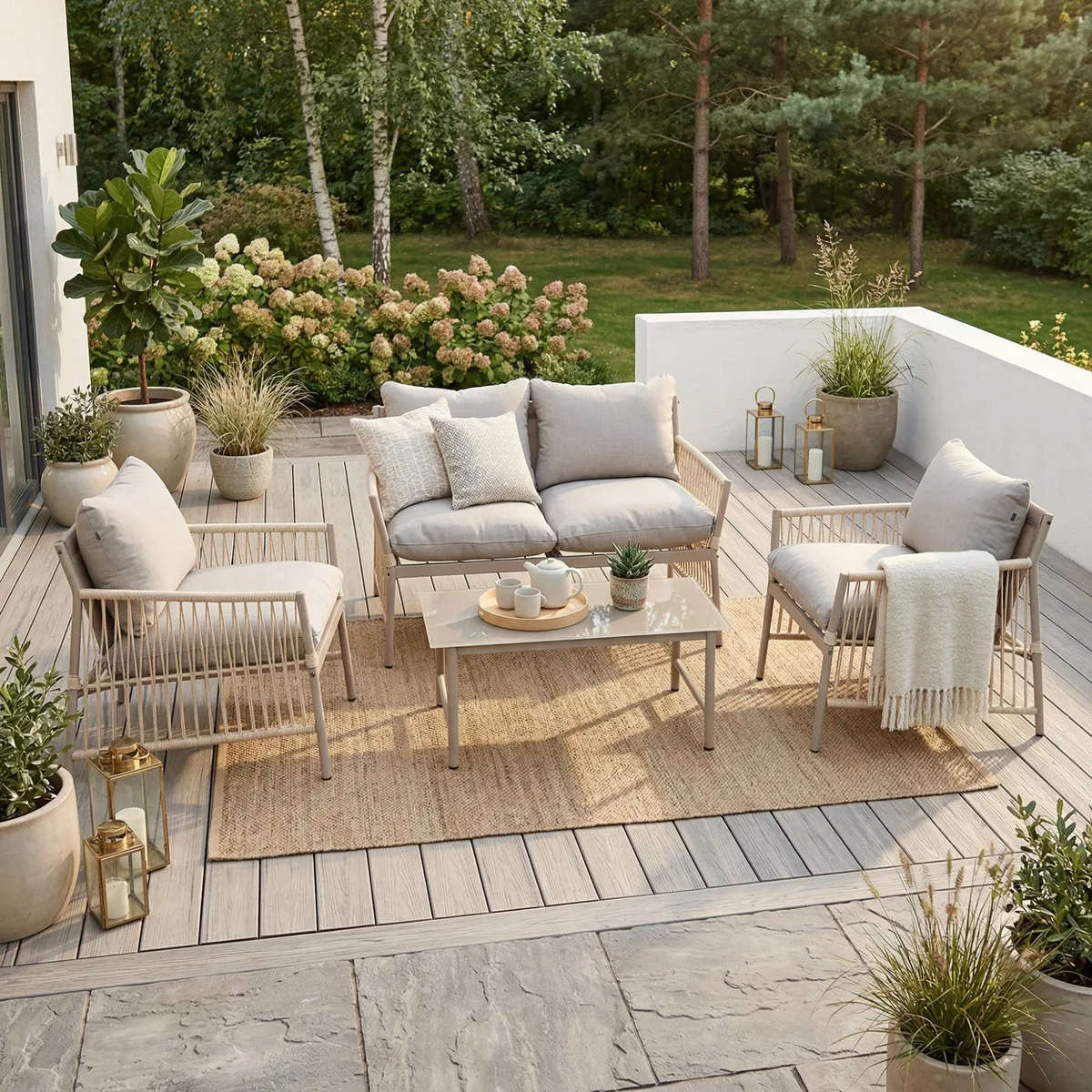
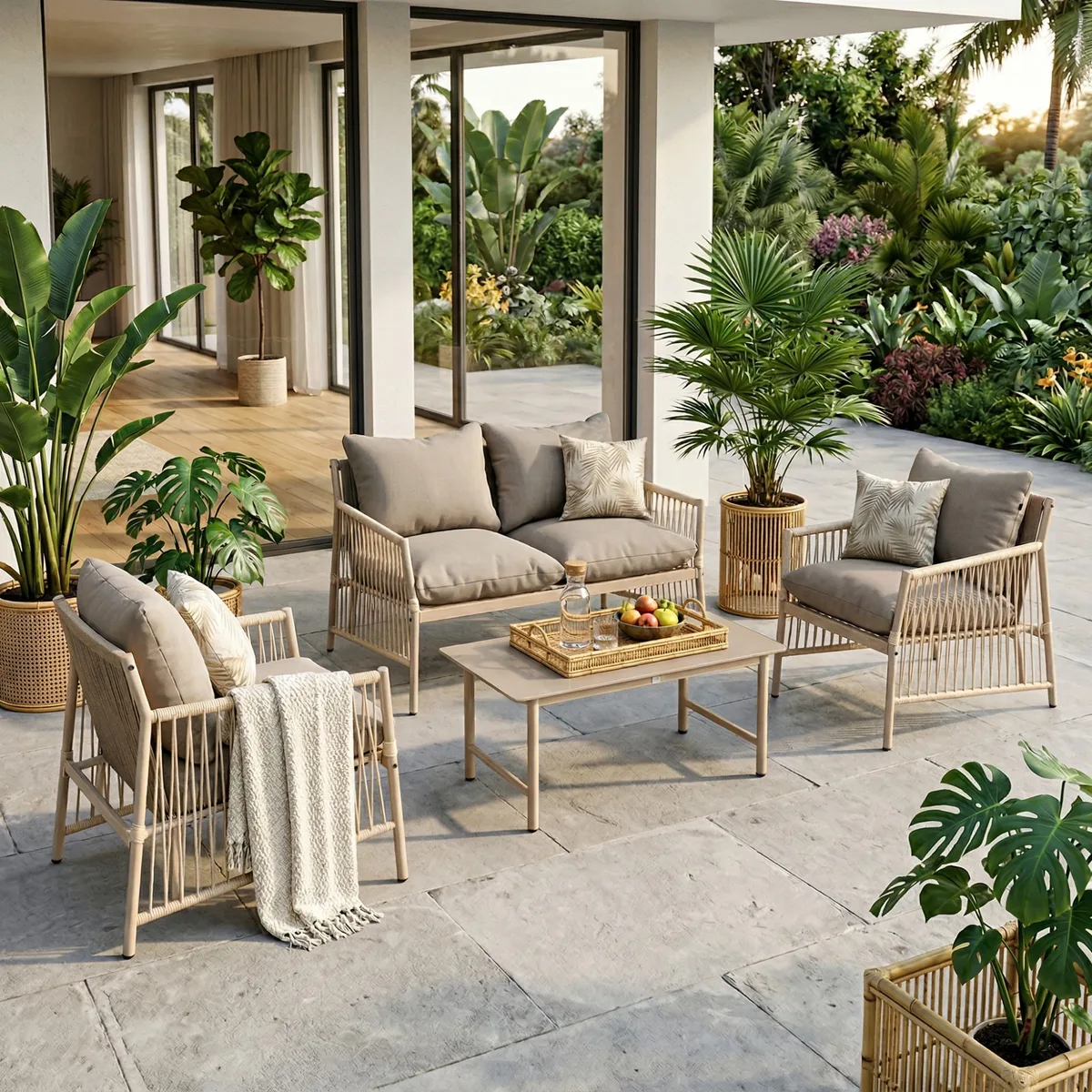
Outdoor Lounge Set
1 catalog photo became 3 outdoor lifestyle scenes
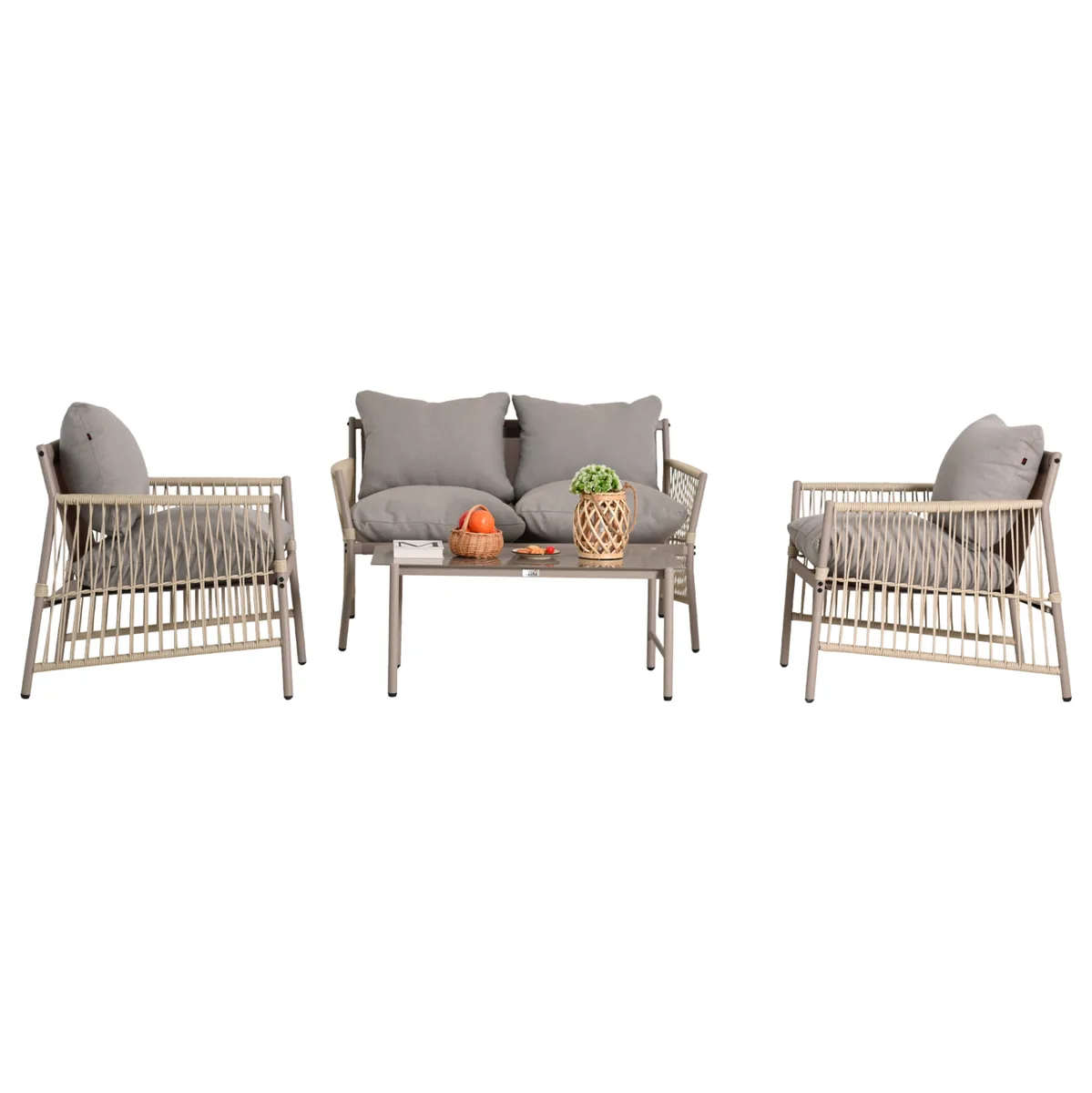 Before
Modular Sofa
1 studio shot became 3 styled room scenes
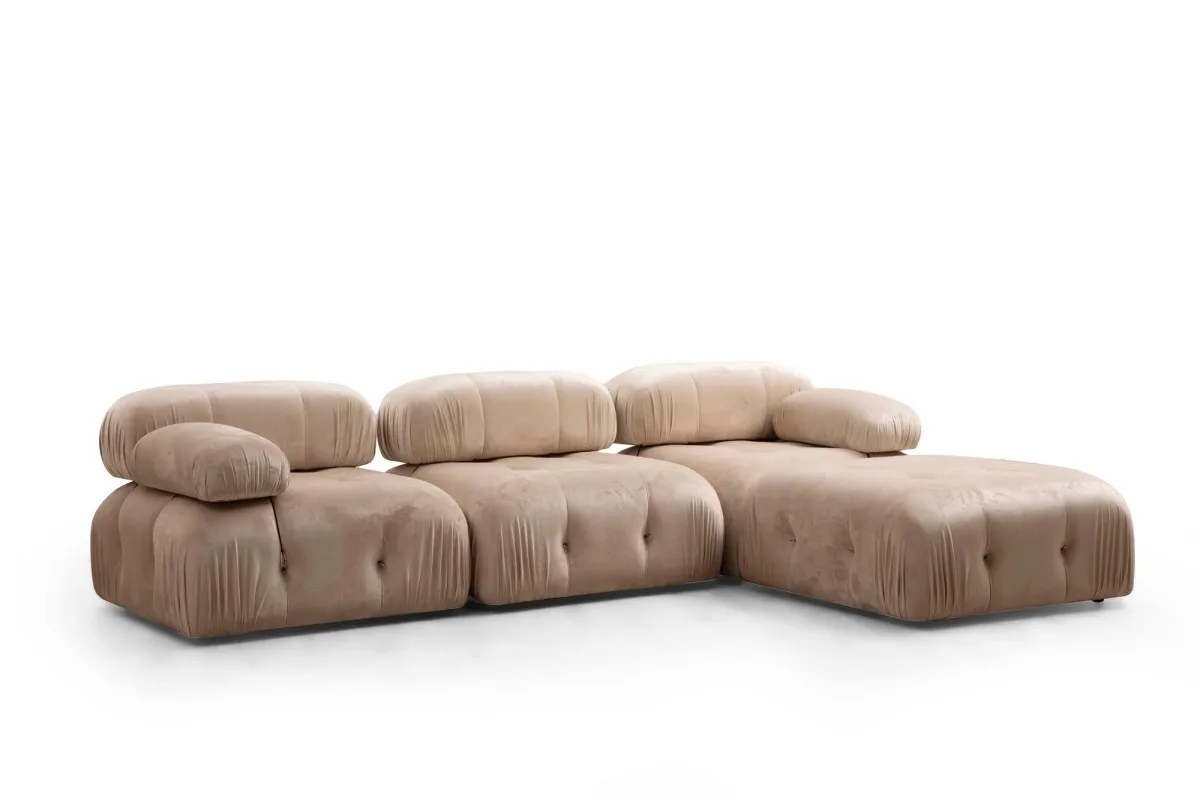 Before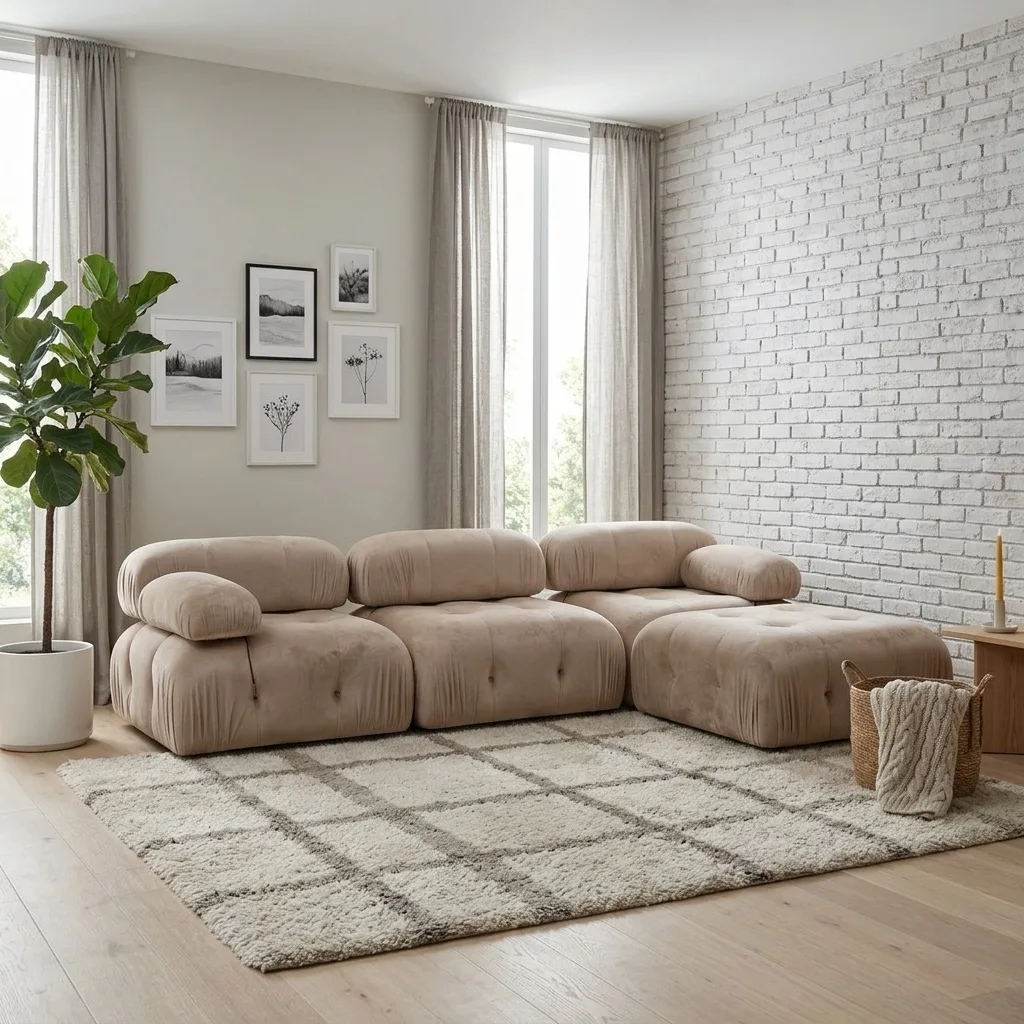
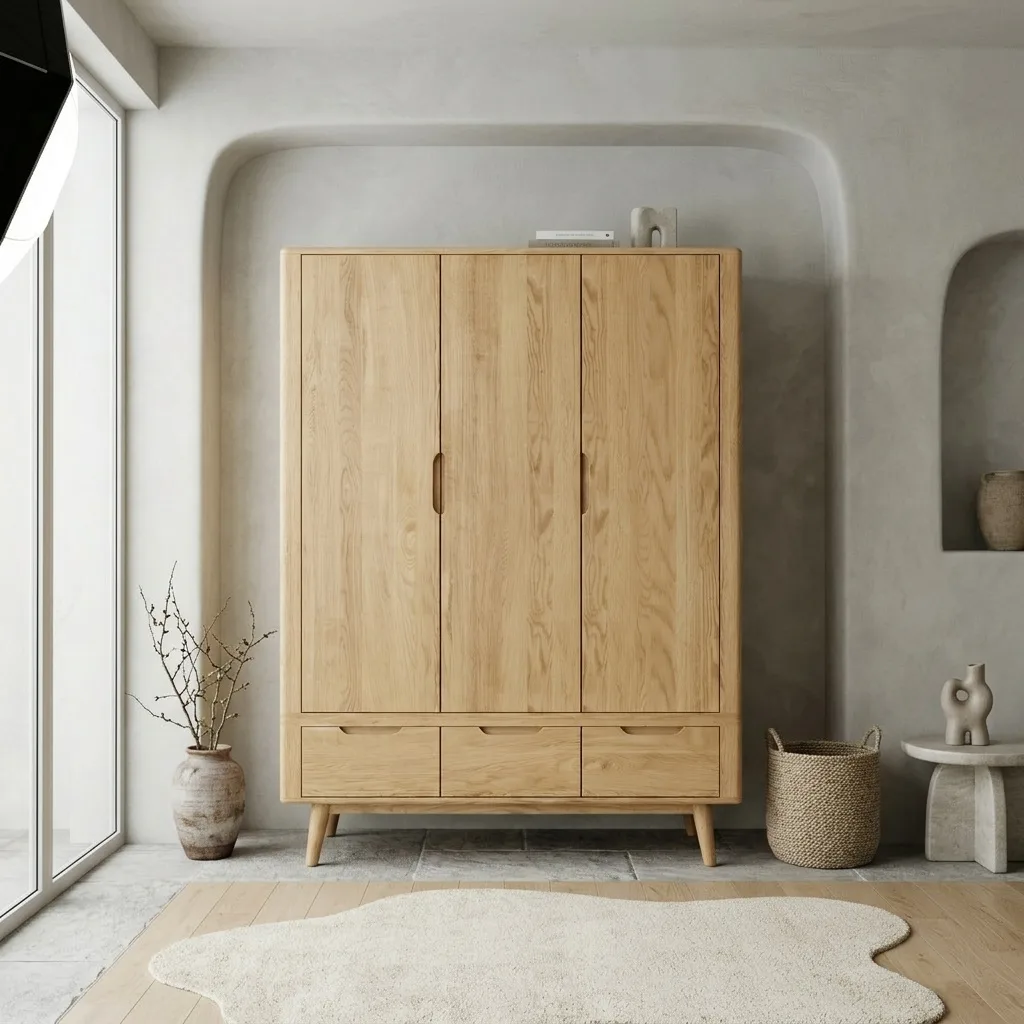
Oak Wardrobe
1 render became 5 room styles
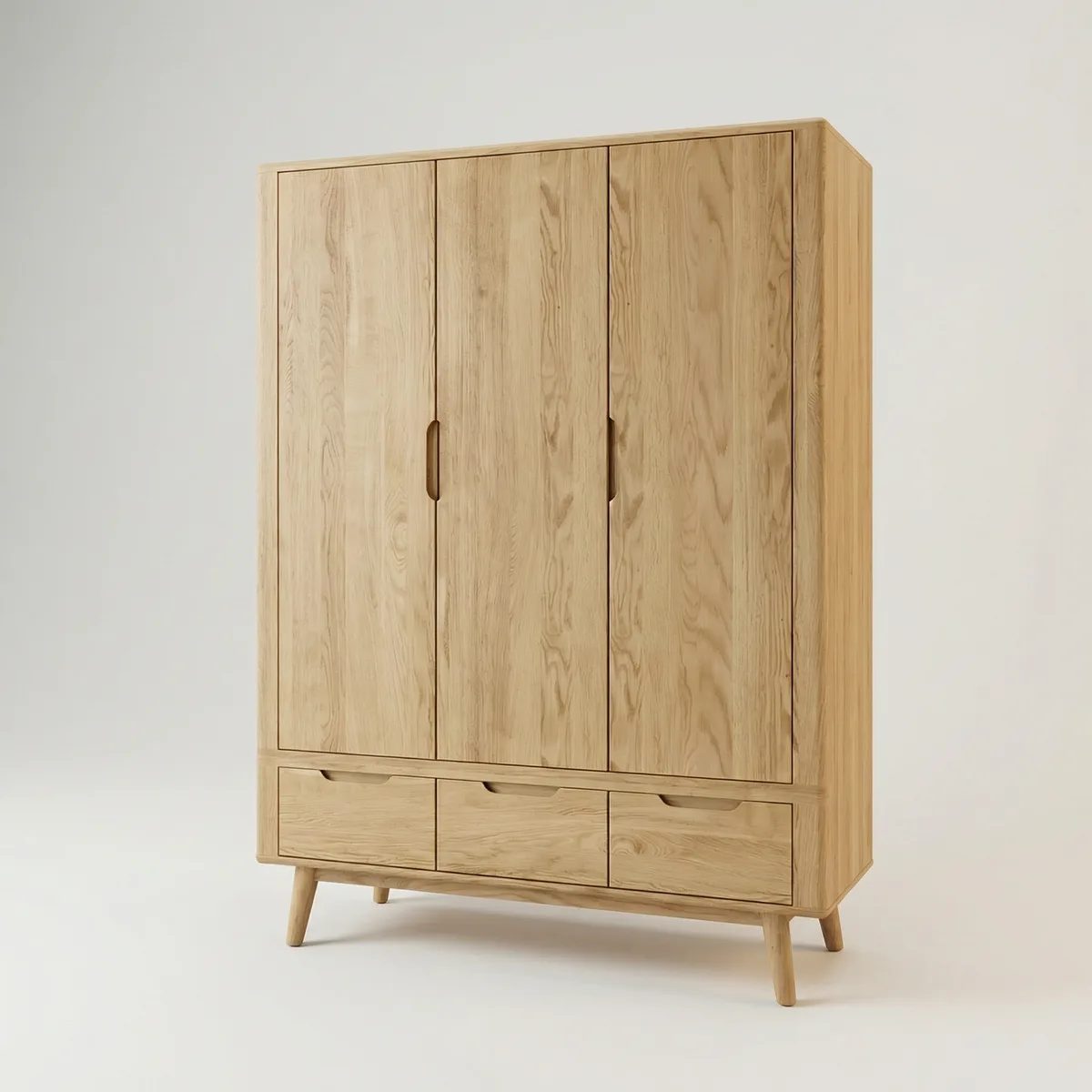 Before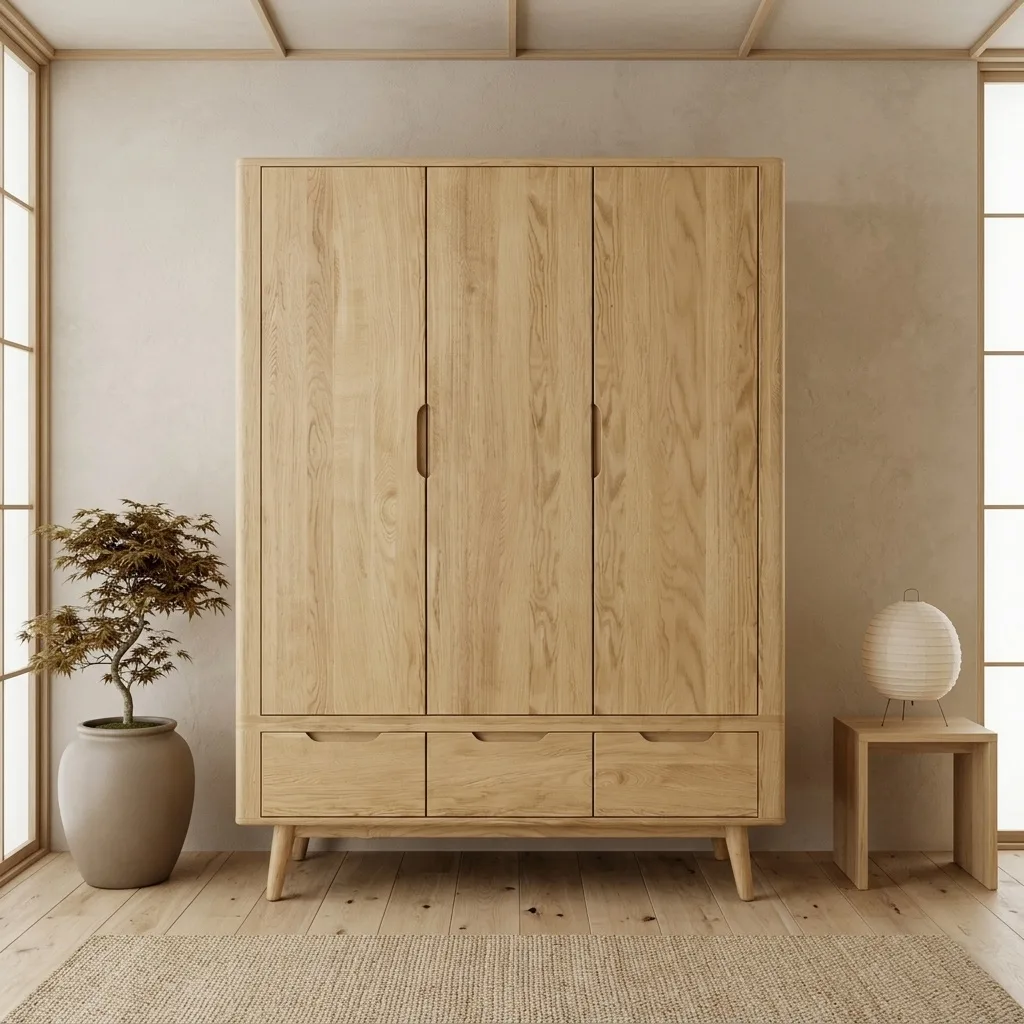
Common questions
- Does OmniRoom change my product?
- No. The product is kept exactly as photographed: shape, proportions, colors, wood grain and fabric texture are preserved. Only the room around it is generated. If a scene is not right, edit or regenerate it before you download.
- What does it cost to try?
- New accounts start with 32 free credits — about 8 generated 2K images — to try everything. Each generated 2K image is 4 credits; free accounts include 3 downloads, and subscribers download without limits. To keep going after your free credits, subscribe to a monthly plan; your credits carry forward and accumulate.
- What resolution and format do I get?
- Every download is 2K by default at 300 DPI, and any image can be upscaled to 4K. You can pick marketplace-specific sizes and aspect ratios for Amazon, Wayfair, Etsy, eBay, Shopify and social formats.
- Which room styles are available?
- 20 curated interior styles, from Scandinavian and Japandi to industrial and Mediterranean, plus your own room: upload a photo of a real interior and OmniRoom stages the product inside it.
Try it with your own product
Upload a product photo and generate your first lifestyle scene in under 2 minutes. 32 free credits to start, no credit card required.