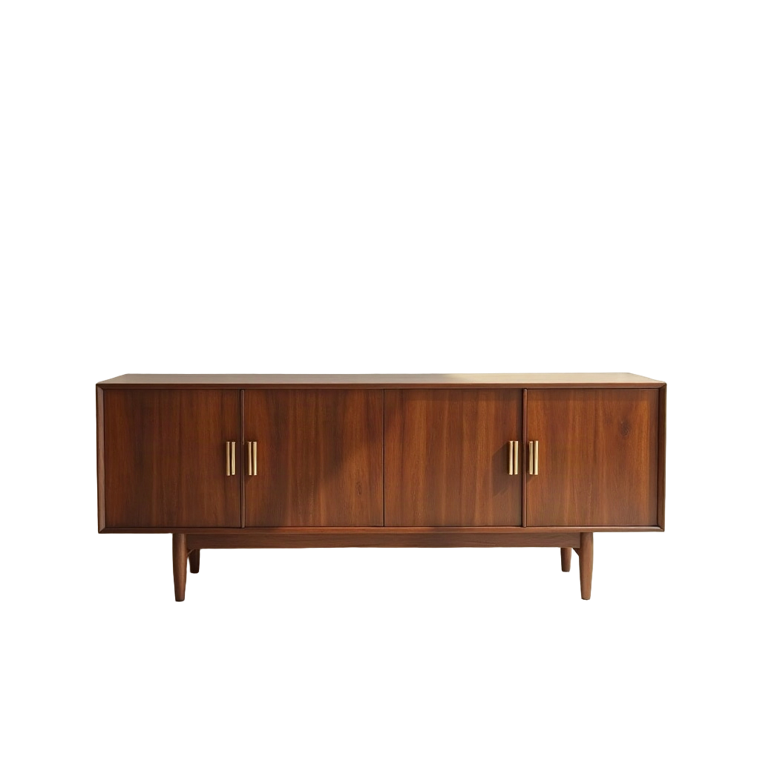
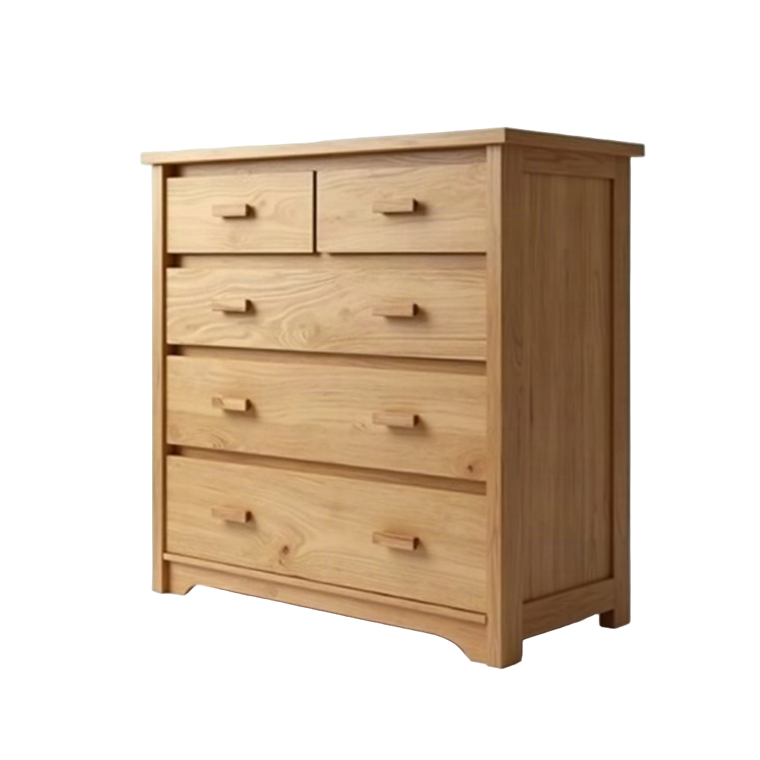
What is OmniRoom?
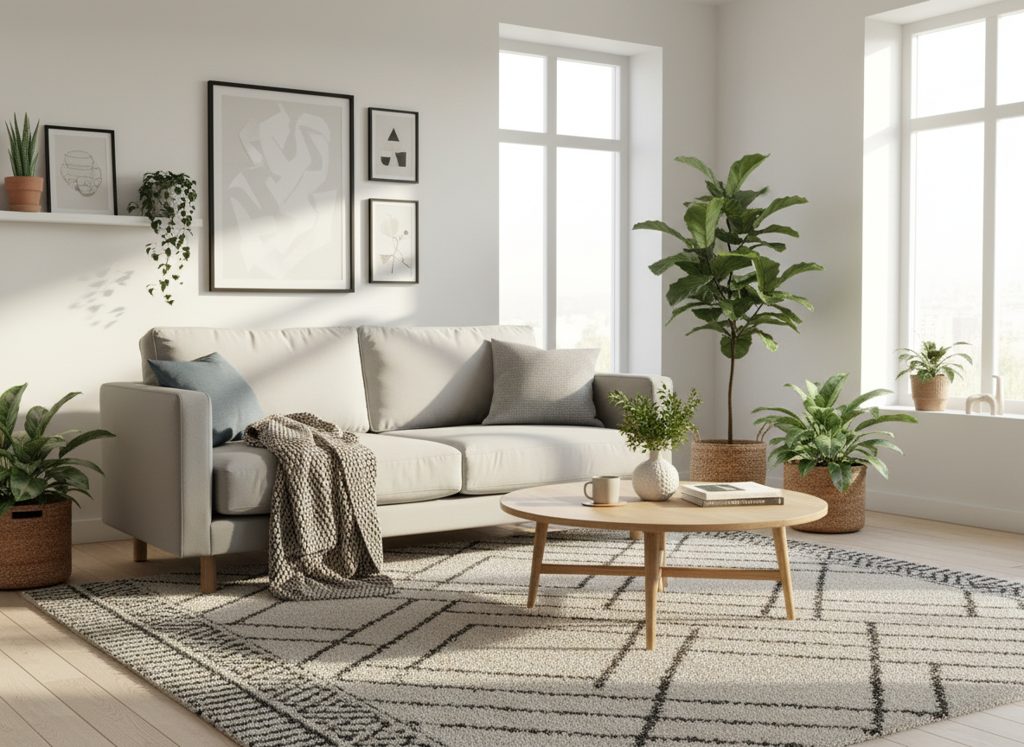
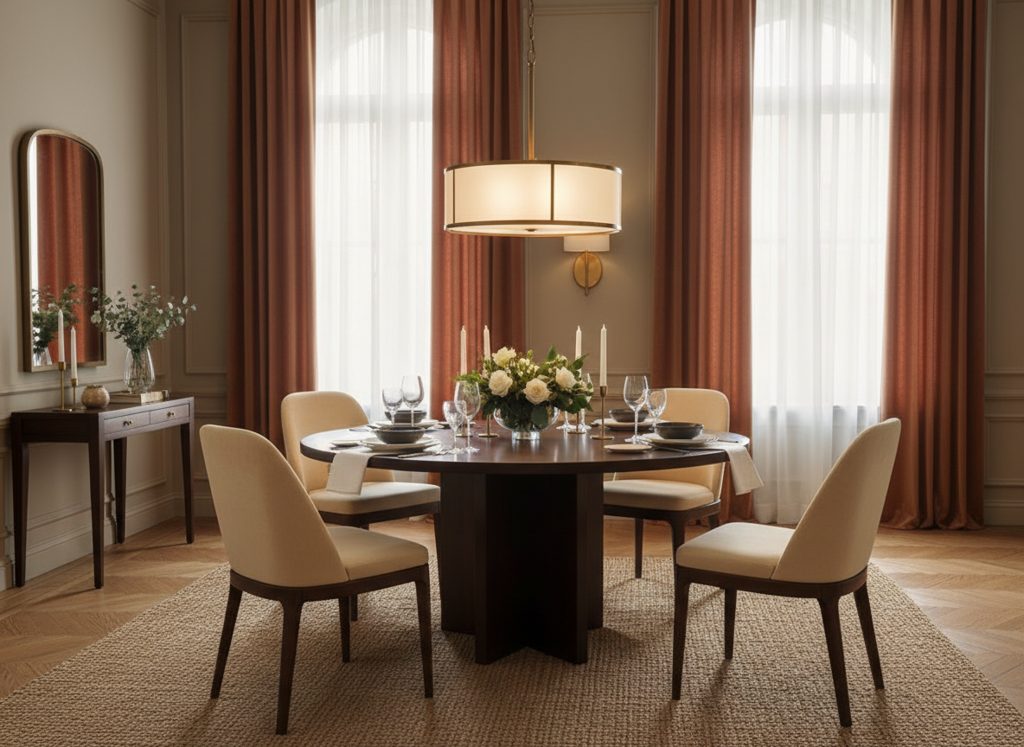
OmniRoom is an AI rendering tool built specifically for furniture sellers, retailers, and manufacturers. It allows you to turn standard product photos into realistic room scenes for e-commerce, ads, catalogs, and marketplaces, without photoshoots, 3D models, or design expertise.
Who is OmniRoom for?
OmniRoom is designed exclusively for furniture businesses, including retailers, manufacturers, importers, and marketplace sellers. It is not a consumer interior design app, but a professional tool for creating high-quality product visuals at scale.
Can I create room scenes from a single product photo?
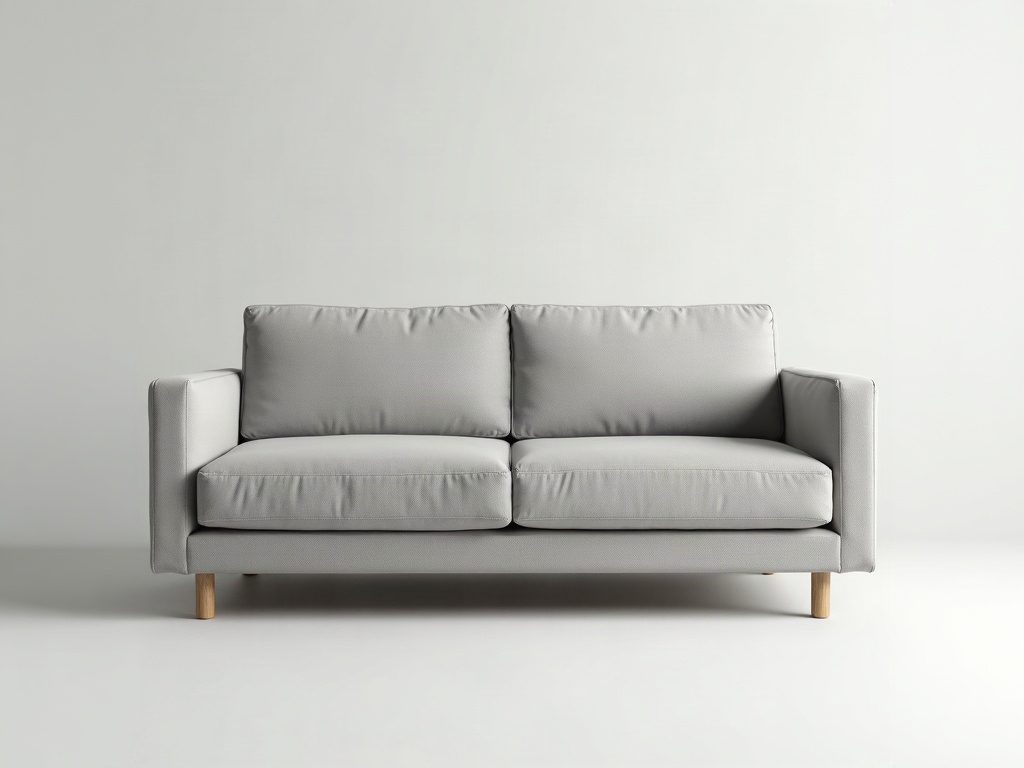
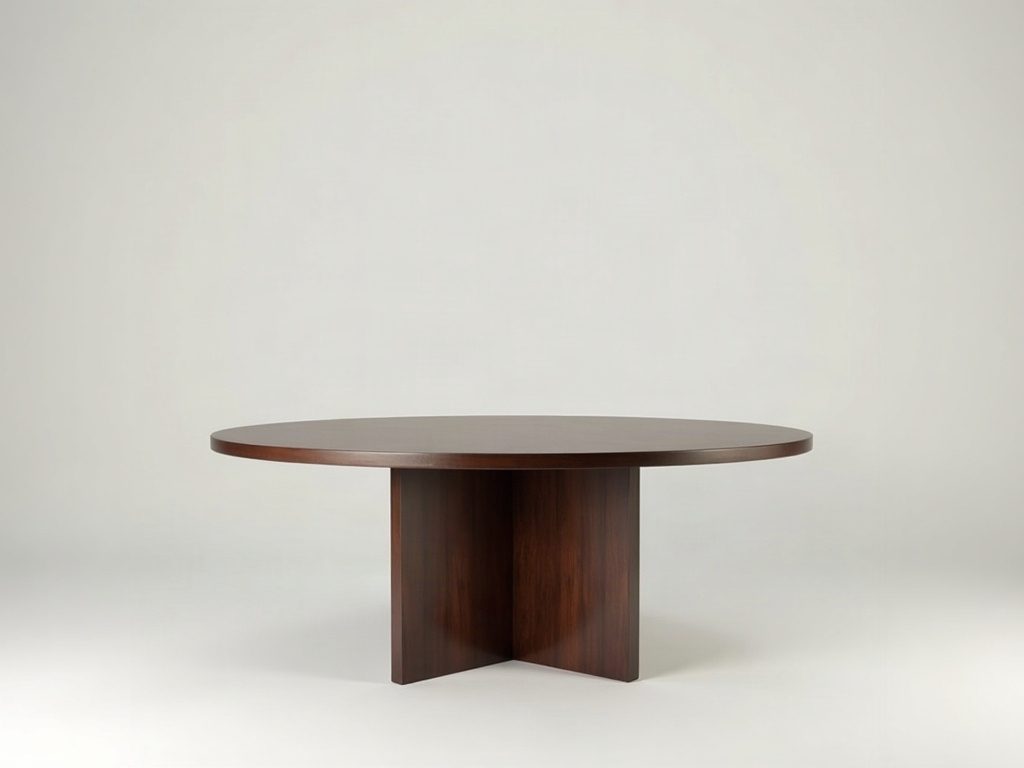
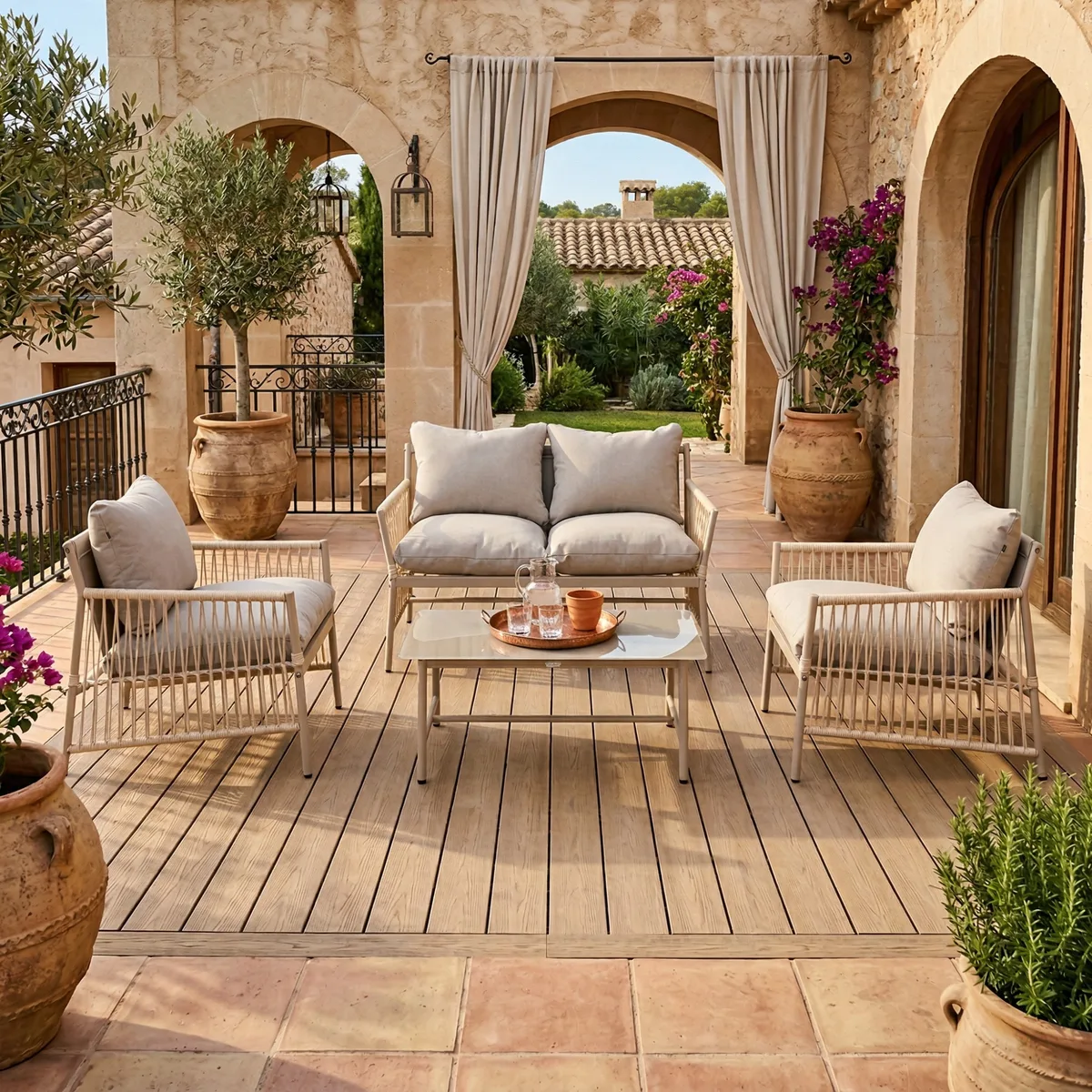
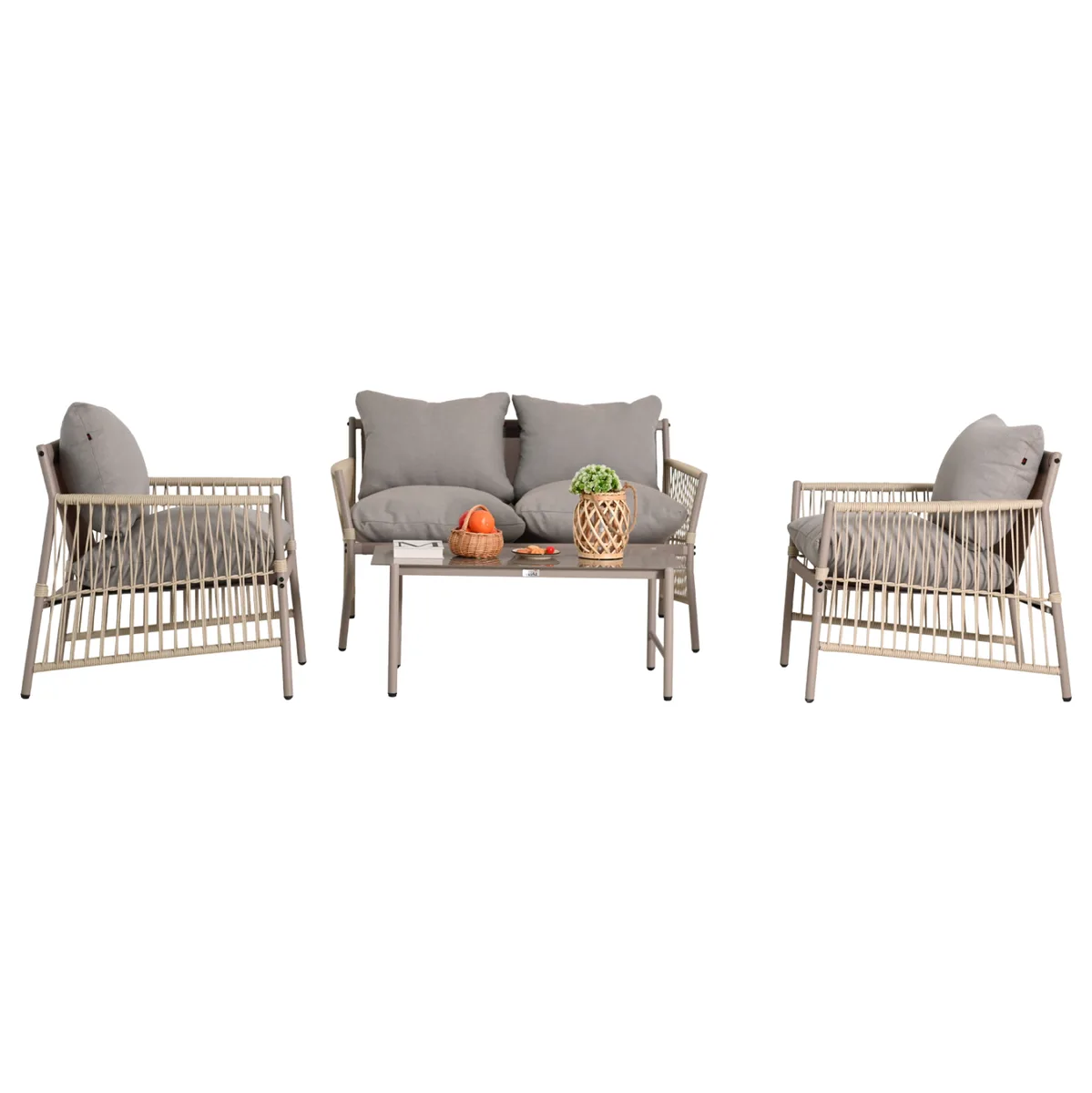
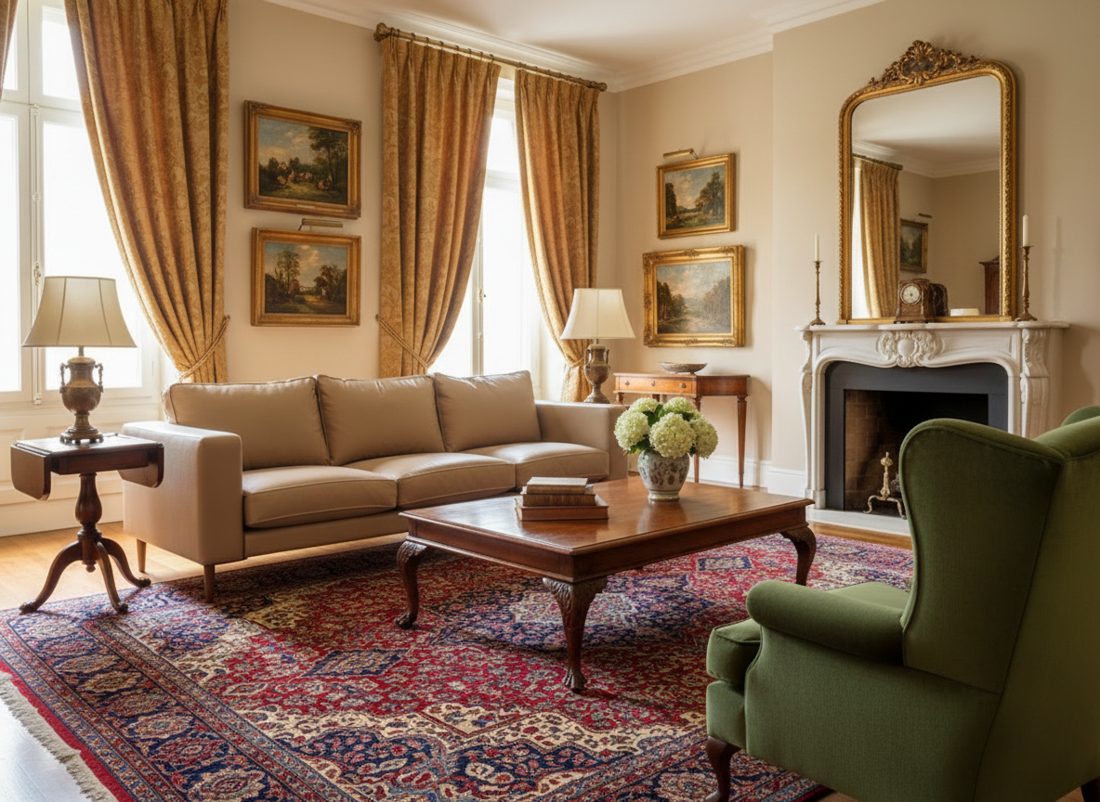
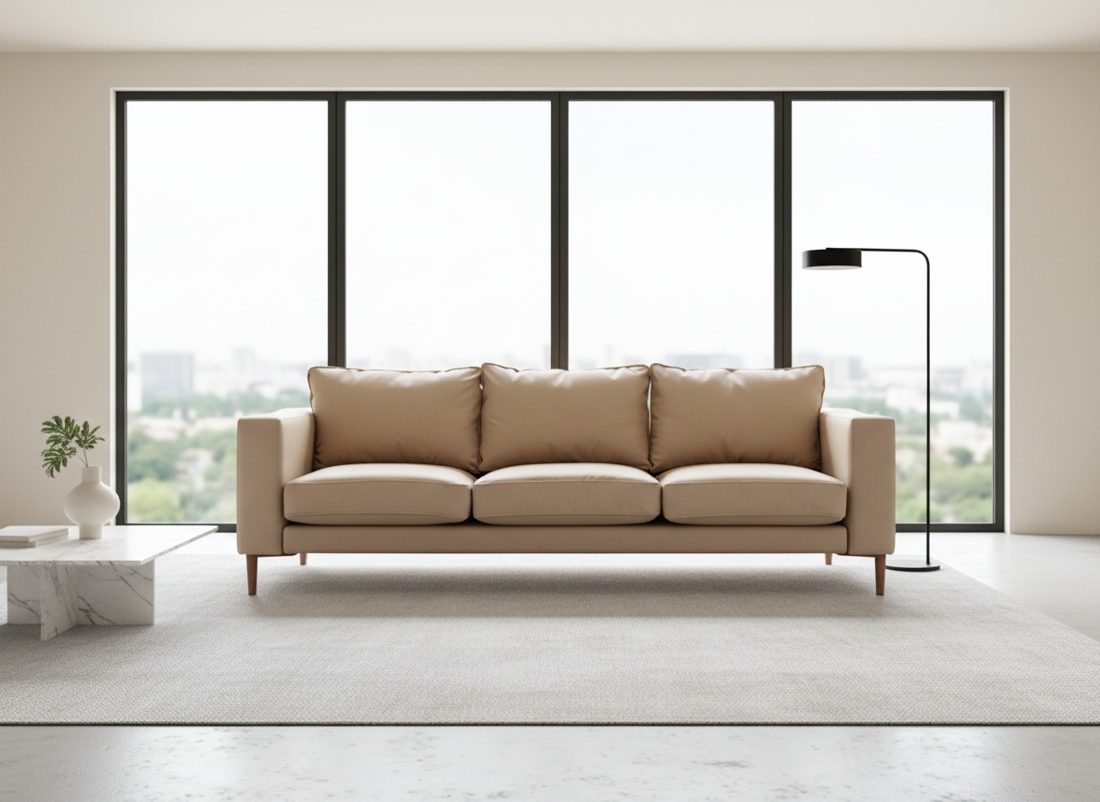
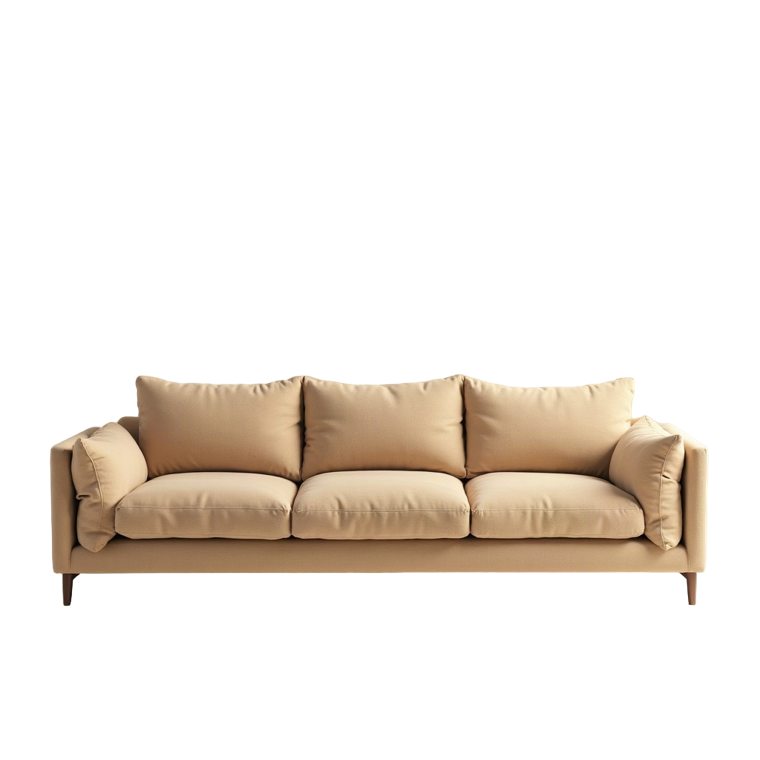
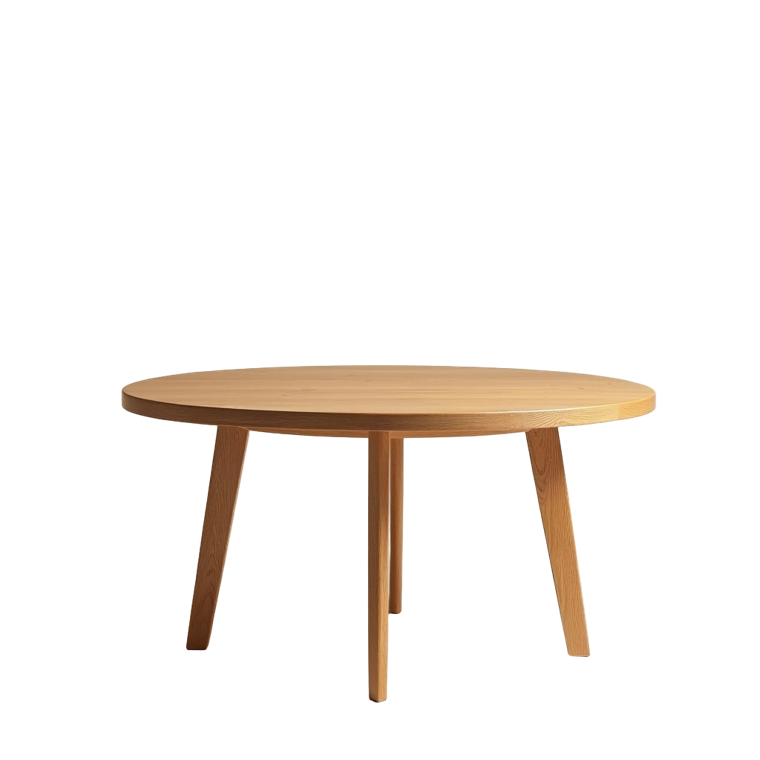
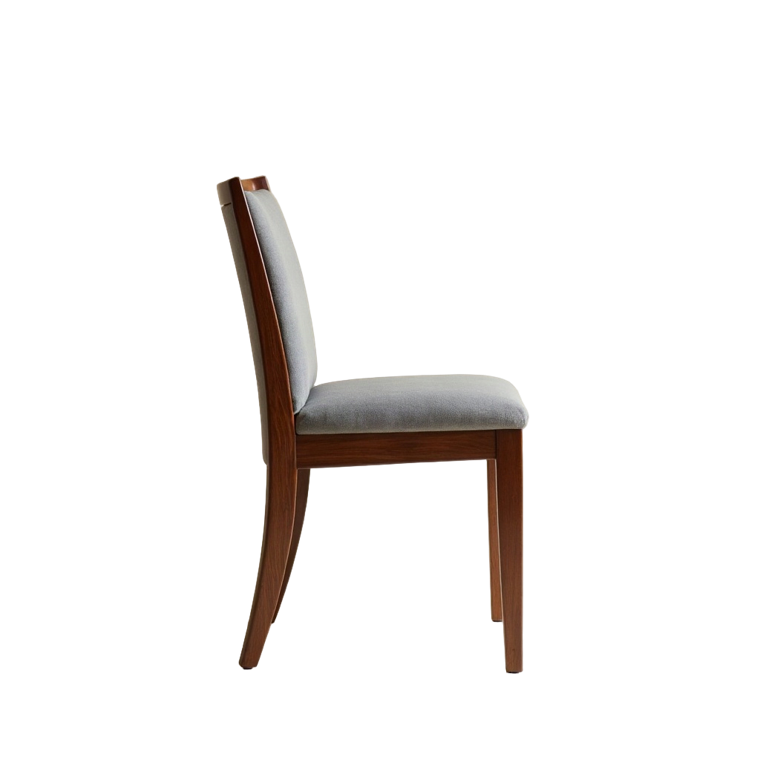
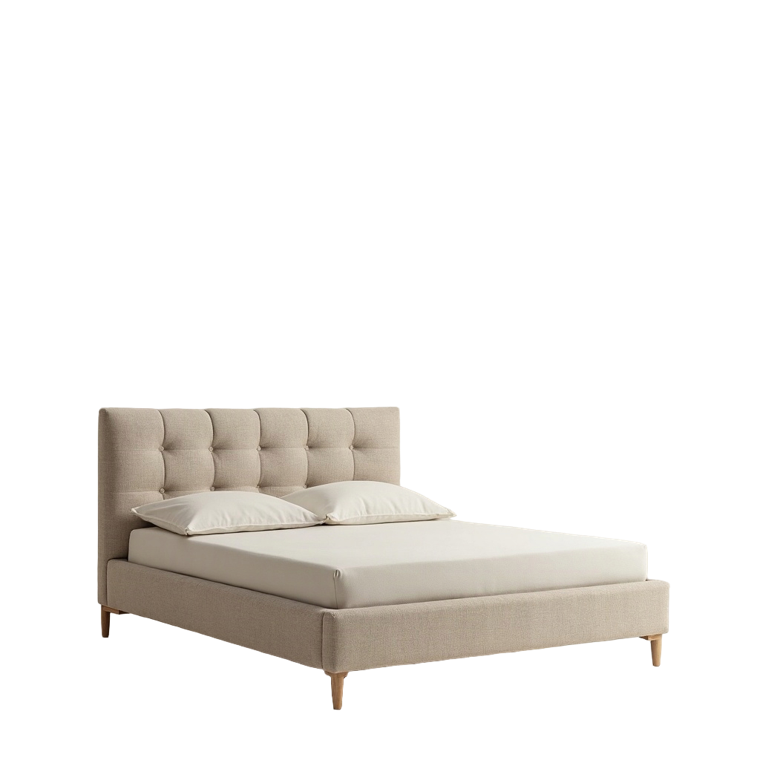
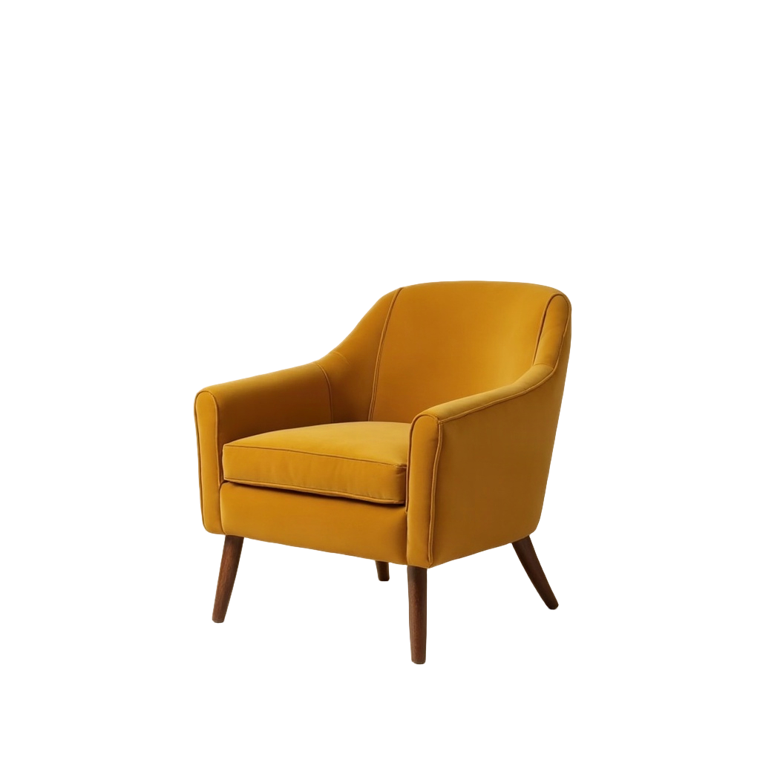
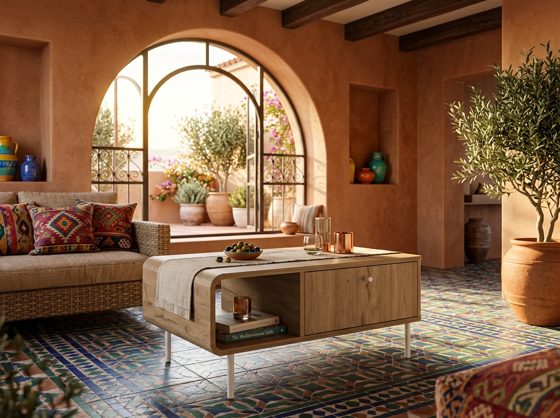
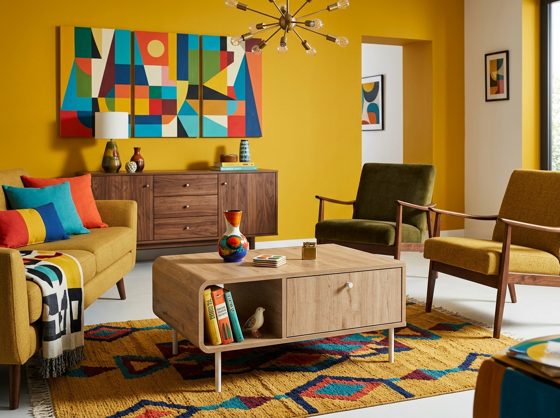
Yes. Upload a single furniture product image, a sofa, chair, table, bed, wardrobe, or any piece, and OmniRoom generates realistic lifestyle room scenes around it in seconds. No 3D models, CAD files, or special setups needed.
What kind of images and content can I create?
You can generate lifestyle room scenes, multi-angle perspectives, white-background catalog shots, color and material variants, product videos, motion templates, A+ content modules, ad banners, and AI-powered product descriptions, all from a single product photo.
How is OmniRoom different from interior design tools or generic AI image generators?
Unlike general interior design apps or tools like Midjourney and DALL-E, OmniRoom is built from the ground up for furniture commerce. It preserves exact product colors, textures, proportions, and materials, something generic AI tools consistently fail at. Our AI is trained specifically on furniture visualization, backed by 20 years of industry expertise.
Can OmniRoom replace furniture photoshoots?
For most e-commerce use cases, yes. OmniRoom generates studio-quality lifestyle scenes from existing product photos, eliminating the need for expensive photographers, stylists, studio rentals, and logistics. Many sellers replace their entire photoshoot workflow.
How fast can I generate images?
Room scenes are generated in 10, 30 seconds. Videos take 30, 90 seconds. You can generate multiple room styles simultaneously and only download the ones you like, generating and previewing is always free.
Can I create multiple room styles for the same product?
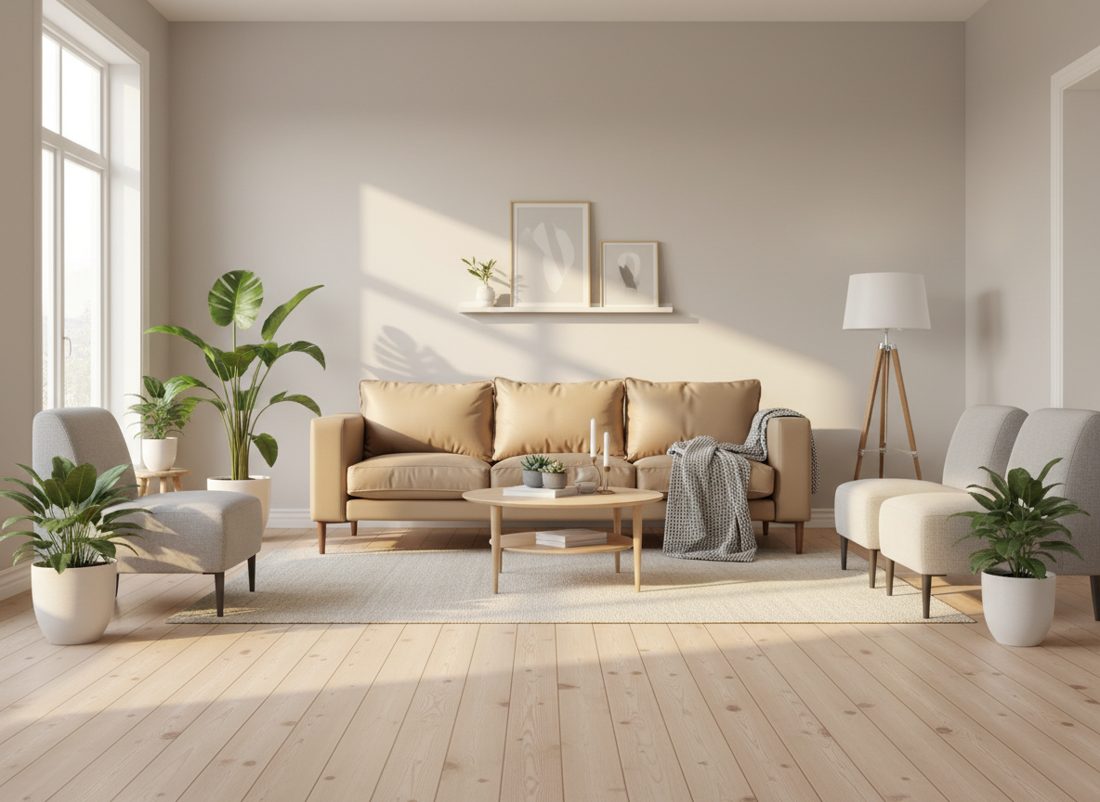
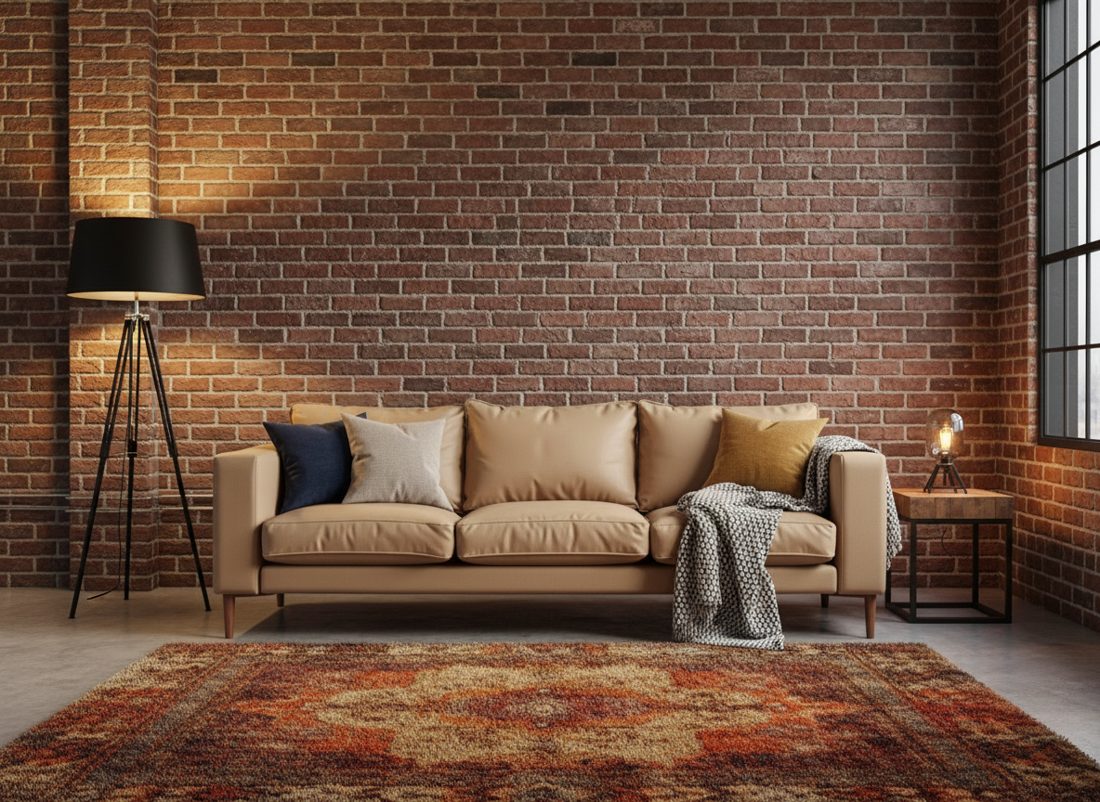
Yes. With Multirooms, you can generate up to 4 different room styles from one photo, Scandinavian, Modern, Mediterranean, Japandi, Farmhouse, and more. With Multi-Perspective, you get up to 7 camera angles from a single scene. This lets you A/B test which visuals convert best.
Is OmniRoom suitable for marketplaces like Amazon, Wayfair, or Etsy?
Yes. OmniRoom outputs are 2K or 4K resolution at 300 DPI, meeting the requirements of Amazon, Wayfair, Etsy, eBay, Shopify, and all major furniture marketplaces. The platform is specifically built to help furniture sellers create marketplace-compliant lifestyle imagery.
How does OmniRoom help increase sales?
Lifestyle images help customers visualize furniture in real environments, triggering emotional buying responses. Research shows lifestyle imagery increases conversion rates by 32, 40%, time on page by 85%, and reduces returns by 23, 25% compared to white-background-only listings.
Can I generate images for my entire catalog at scale?
Yes. OmniRoom is built for scale, sellers with hundreds or thousands of SKUs can stage their entire catalog in days instead of months. Consistent quality, lighting, and style across every product builds the professional appearance marketplaces reward.
What types of furniture does OmniRoom support?
OmniRoom works with all furniture categories: sofas, chairs, tables, beds, wardrobes, storage units, desks, shelving, outdoor furniture, dining sets, and more. Both indoor and outdoor room scenes are supported.
How does OmniRoom compare to CGI or 3D rendering?
OmniRoom is significantly faster and more cost-effective than traditional CGI. There is no need for 3D models, material definitions, or rendering farms. You upload a photo and get results in seconds, versus weeks with traditional 3D workflows, while still producing photorealistic quality.
How much does OmniRoom cost?
Every new account starts with 80 free credits. After that, OmniRoom runs on monthly subscription plans: Mini $9.99 (120 credits/mo), Starter $29 (400), Growth $79 (1,250), Pro $199 (3,600) and Scale $449 (9,450). A 2K image costs 4 credits, a video 16 credits, and downloads are always free. Unused credits carry forward while your subscription stays active, and you can top up any time. New users get up to 30% off their first package, and Enterprise plans with custom volume and API are available.
What resolution and format are the generated images?
All images are generated in 2K resolution by default and can be upscaled to 4K. Downloads are delivered as PNG or JPEG at 300 DPI, print-ready and accepted by Amazon, Wayfair, Otto and other major marketplaces.
How does the credit system work?
Credits are the unit of generation. A 2K image costs 4 credits, a 4K upscale 6 credits, and a video 16 credits — you always see the cost before you generate. Downloads are free. Your monthly plan's credits are added each month and unused credits carry forward and stay in your account — even if you later cancel. If you run low mid-month you can buy more credits any time.
Can my team use OmniRoom together?
Yes. OmniRoom includes team collaboration with role-based access control (Owner, Admin, Editor, Viewer). Team members share projects and generated images, and work from a shared credit balance. Team seats are included from the Growth plan up: Growth (2 seats), Pro (3), Scale (5) and Enterprise (10).
Can I use the images for ads and marketing?
Absolutely. All downloaded images and videos are yours to use commercially, on marketplaces, your website, social media, paid ads, email campaigns, catalogs, and brochures. OmniRoom also generates ad banners and A+ content modules ready for immediate use.
Do I need design experience to use OmniRoom?
No. The platform is designed to be simple and intuitive, upload a photo, pick a room style, and generate. No design skills, 3D knowledge, or technical expertise required. If you can drag and drop a file, you can use OmniRoom.
Is OmniRoom useful for manufacturers as well as retailers?
Yes. Manufacturers use OmniRoom to create ready-to-use marketing visuals for their products without photoshoot logistics, then share these assets with their retail and distribution partners.
Why should furniture sellers use OmniRoom instead of generic AI tools?
OmniRoom is the only AI platform built exclusively for furniture. Generic tools alter product colors, distort proportions, and produce unrealistic material textures. OmniRoom preserves every detail of your product because it was designed by furniture visualization experts who understand what matters: color fidelity, material rendering, and spatial accuracy.
Do you offer refunds?
You can cancel your monthly subscription anytime — you won't be charged again, and any credits you've already accumulated stay in your account and remain spendable. For billing questions, just contact us.

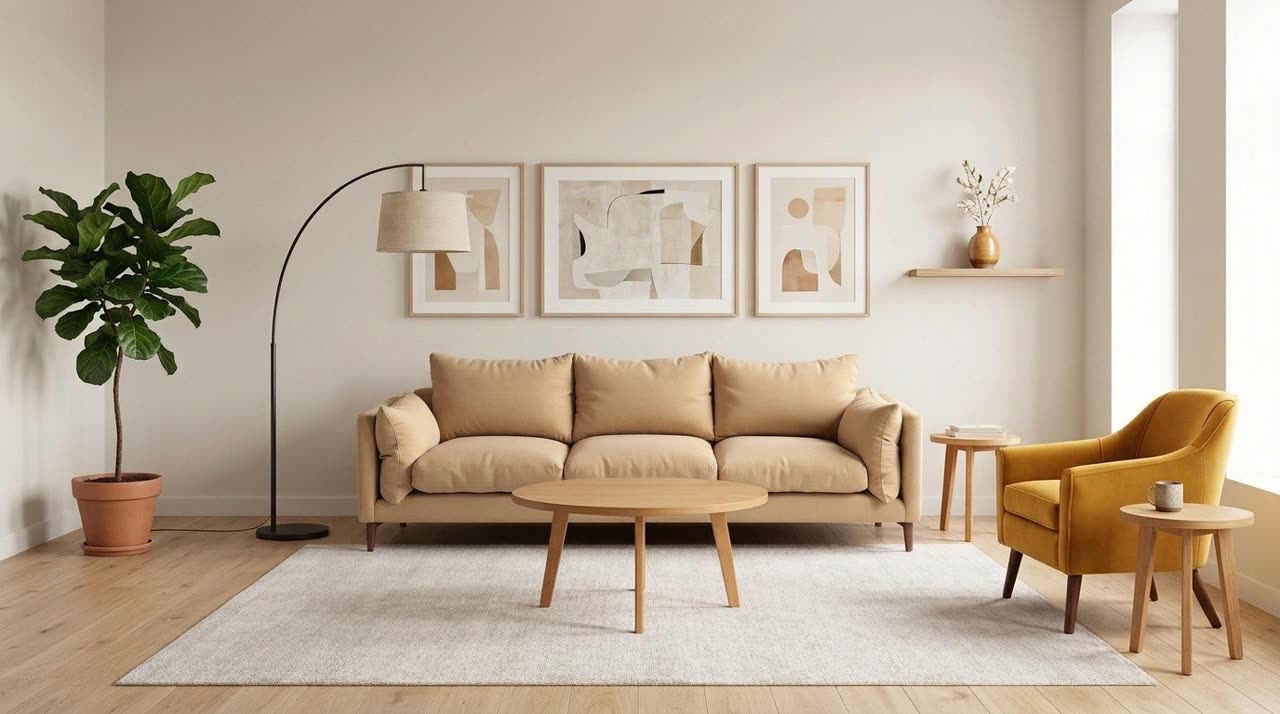 Staged in seconds
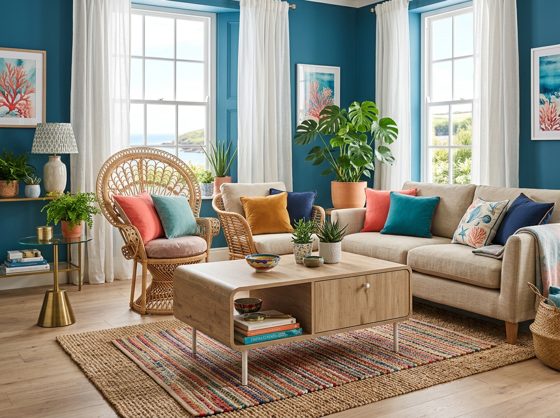 New room
 New angle
 New light