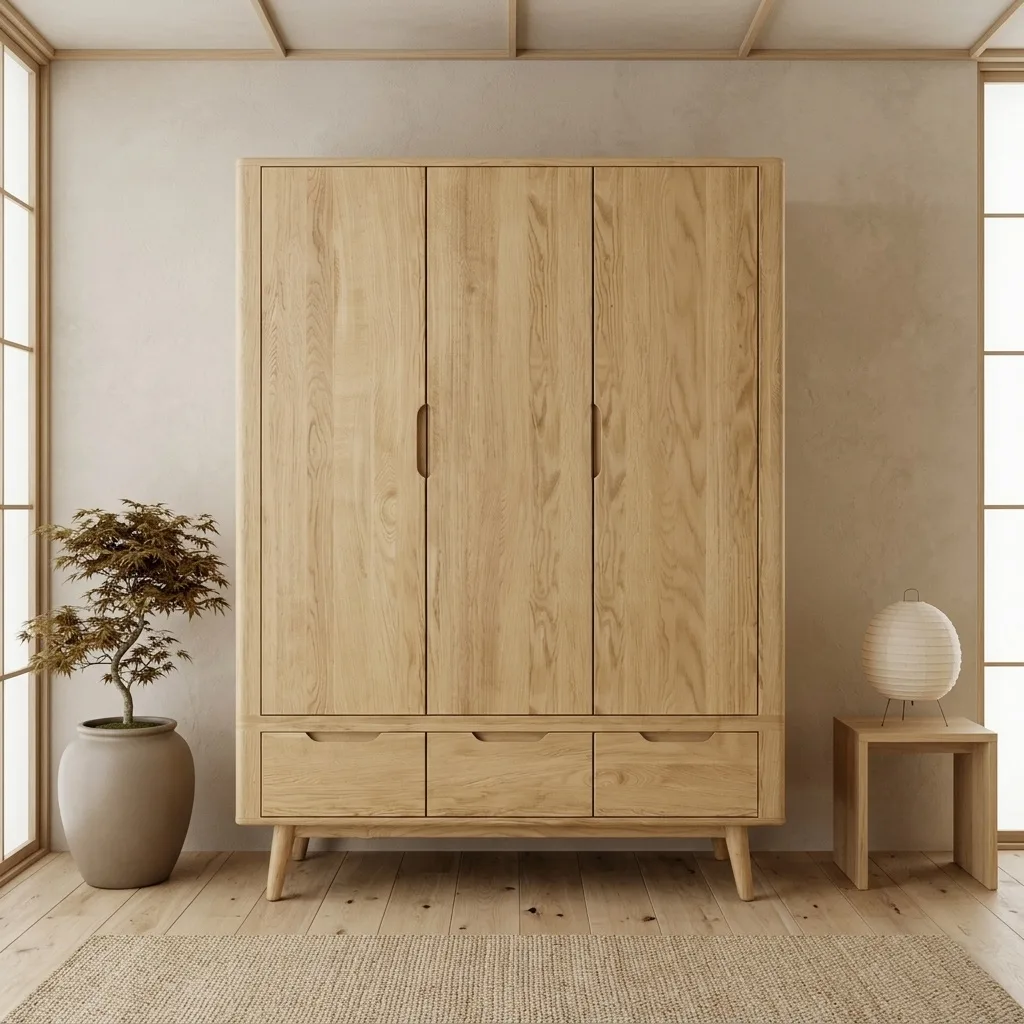
Single-product images sell products. Group shots sell programs: the catalog spread that shows the bookcase, the desk and the sideboard working together in one room is what convinces a dealer to order the range and a shopper to buy the second piece. They are also the most expensive images in traditional production, because a physical group shot means assembling several products on one set. This guide covers how AI staging produces multi-product group shots and catalog spreads from individual product photos, and how to keep a whole range looking like it was shot in one session.
Quick Answer
AI staging tools can compose several SKUs into one styled room scene from individual product photos, with no physical set build. In OmniRoom this is the Product Family feature: upload the photos of the pieces that belong together, and the AI stages them in a single coherent scene with consistent lighting and style. For catalog consistency across many scenes, fix one interior style and camera language for the whole range, generate every group and every single-product scene against that standard, and verify scale between products before publishing.
Why Group Shots Earn Their Place in a Catalog
- They sell the range, not the piece. A dealer or a shopper who sees three coordinated products in one scene understands the collection logic instantly. This is why printed furniture catalogs have always been built around spreads rather than isolated cutouts.
- They raise average order value. A bedroom scene showing the bed frame with its matching nightstands does cross-selling work no product description can do.
- They are the strongest consistency signal. Nothing exposes mixed photography sources faster than two products from the same collection photographed in different light. A generated group shot sidesteps the problem, because every piece is rendered into the same room.
The traditional obstacle was cost: a physical group shot needs every product transported to one studio at one time. That is exactly the constraint AI staging removes.
How Multi-Product Staging Works
The workflow, using OmniRoom's Product Family feature as the example (we build the tool, so we use it for the walkthrough; the principles carry to any multi-product staging system):
- 1. One clean photo per SKU. Each product needs its own clear, well-lit source photo. The group scene is composed from these individual inputs, so the photos do not need to come from the same shoot, or even the same year.
- 2. Group the family. Select the pieces that belong in one scene: a dining table with its chairs, a TV unit with the matching shelf, a full bedroom set.
- 3. Generate the scene. The AI composes the products into one styled interior with shared lighting, shared floor and wall treatment, and a believable arrangement. Style selection works the same way as single-product staging.
- 4. Verify scale and adjacency. This is the step that matters most in group shots: check that the relative sizes of the pieces match reality and that nothing overlaps implausibly. Scale drift between products is the characteristic failure mode of multi-product generation, in every tool.
- 5. Reuse the standard. Generate the rest of the range, group scenes and single-product scenes alike, in the same style so the whole catalog reads as one program.
The Consistency Standard: One Look Across Every SKU
The grouping feature solves the spread; the bigger prize is a catalog where every image matches. Three decisions get you there:
- One primary interior style per collection. Pick it once (Scandinavian, modern minimalist, whatever fits the brand) and generate everything against it. Style-hopping between SKUs is the main source of messy-looking catalogs.
- A fixed camera language. Use the same angle set for every product: front, three-quarter, elevated, detail. Buyers browsing a catalog notice rhythm more than they notice any single image.
- A shared background discipline for white shots. Every packshot on the same pure white, at the same fill, so listing grids look uniform. Our white-background guide covers the spec.
At B2B scale this standard is worth writing down and enforcing per SKU; our B2B catalog imaging guide goes deeper on running it across hundreds of products.
Honest Limits
Two things to watch. First, scale: the more products in one scene, the more carefully you should compare relative sizes against the physical items before publishing, because an error that is invisible in a single-product scene becomes obvious when the products sit next to each other. Second, count: scenes with two to four products compose reliably; cramming an entire twelve-piece collection into one image produces clutter in any tool, which is why printed catalogs use several spreads per collection rather than one.
Frequently Asked Questions
Can AI stage multiple furniture products in one scene?
Yes. Multi-product staging composes several SKUs from their individual photos into one coherent room scene with shared lighting and style. In OmniRoom this is the Product Family feature; you select the pieces and the AI arranges them together.
Do the product photos need to come from the same photoshoot?
No. Each product only needs its own clear source photo. The scene, lighting and floor are generated around the products, which is what makes mixed-source catalogs look consistent again.
How do I keep group shots consistent across a whole catalog?
Fix one interior style and one camera angle set for the collection and generate every image against that standard. Consistency comes from the standard, not from individual image decisions.
What should I check before publishing a group shot?
Relative scale between the products, plausible arrangement, and finish colors against the physical items. Scale drift between pieces is the failure mode specific to multi-product scenes.