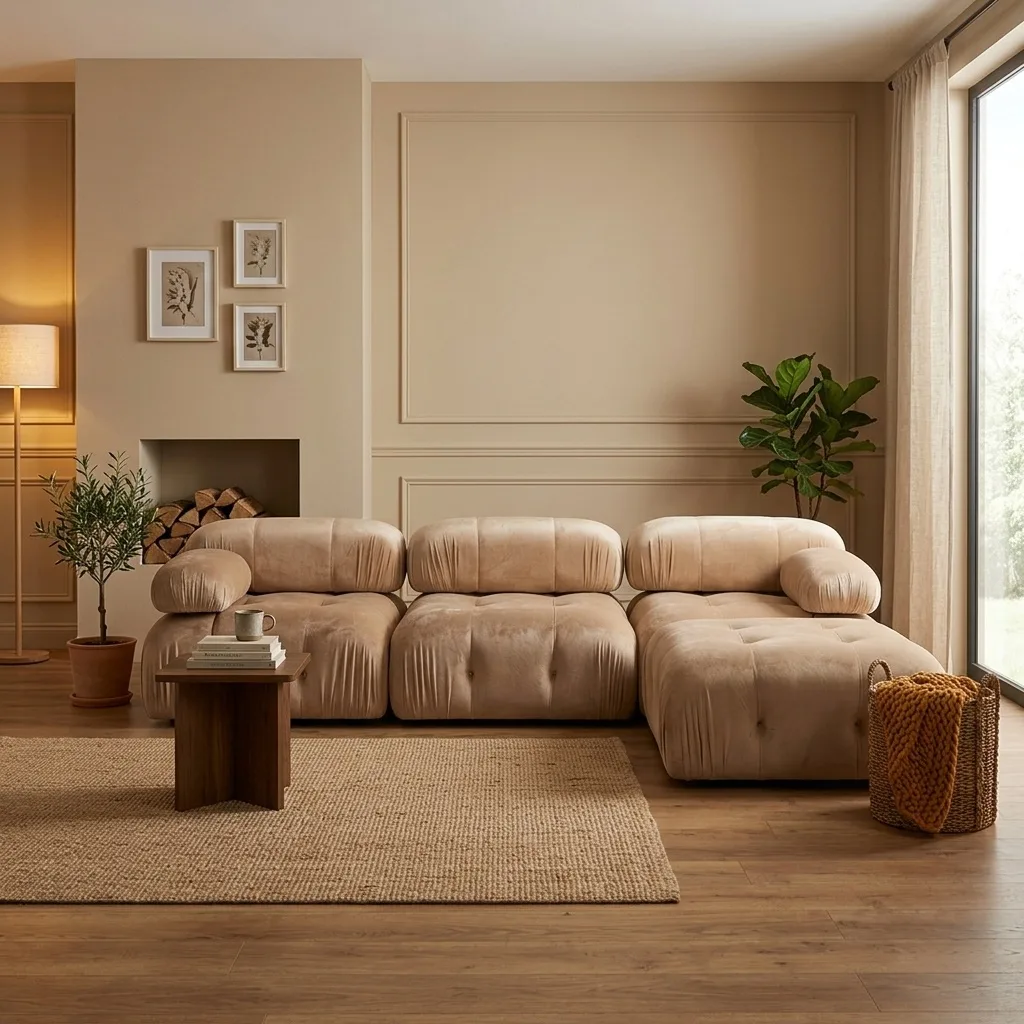
Most writing about AI product photography assumes you're a retailer polishing a few dozen listings. B2B furniture is a different job: a manufacturer or wholesaler carries hundreds of SKUs across collections and colourways, sells through dealers and marketplaces rather than one storefront, and needs every image to survive a dealer's catalog, a retailer's image specs, and a trade-show line sheet at the same time. This guide covers how AI catalog imaging actually works at that scale — and where it breaks down.
For transparency: OmniRoom is our product and it's built for exactly this use case, so we use it in the examples below. The workflow principles apply whatever tool you choose. Manufacturers and wholesalers are now the largest group signing up to OmniRoom, and this guide collects what works for them.
Quick Answer
AI catalog imaging lets a B2B furniture business produce a complete, consistent image set — white-background catalog shots, styled lifestyle scenes, multiple camera angles, and colour variants — for every SKU from one source photo each, at a per-image cost measured in pennies rather than the hundreds of pounds a studio day spreads across a handful of pieces. The essentials: keep one visual standard across the whole range, generate variants instead of reshooting them, and check every image against the physical product before it reaches a dealer.
Why B2B Catalog Imaging Is a Different Problem
Four things separate a manufacturer's imaging problem from a retailer's:
- Volume and variants. A 200-SKU range with four finishes each is 800 products to photograph. Shooting each physically is a season of studio work; shooting one per family and generating the rest is a week.
- Consistency is the brand. Dealers page through your whole catalog at once. Mixed lighting, angles, and backgrounds across SKUs read as carelessness in a way no single listing ever shows.
- Every buyer wants a different spec. Amazon wants pure white at 85% fill, Wayfair wants its own set, your dealer portal wants line-sheet thumbnails, your distributor wants print-resolution files. One shoot has to serve them all — which in practice means one master image set at high resolution, cropped and exported per channel.
- The product must be exact. A retail impulse buyer might forgive a slightly warm colour cast; a dealer ordering forty units against your image will not. Fidelity is a commercial term here, not an aesthetic one.
The Master Image Set: One Standard for the Whole Range
The core discipline is to define one image set every SKU gets, and produce it identically across the range:
- White-background catalog shot — the workhorse for dealer portals, marketplaces, and line sheets. Generate at 2000 px+ so the same file clears Amazon's 1000 px zoom threshold and print thumbnails alike.
- One styled lifestyle scene in a consistent interior style across the collection — dealers use these for their own marketing, and a coherent set makes the whole range look like a program rather than a pile of products.
- Three to four camera angles — front, three-quarter, elevated, and a detail close-up. Our platform data across thousands of downloads shows elevated and close-up views are the ones buyers keep most after the front shot.
- A dimension graphic — for furniture this is not optional; size confusion drives the majority of furniture returns, and B2B buyers plan floor space around it.
With AI staging, the entire set derives from one good source photo per product. That makes the source photo your only real photography cost — get it sharp, evenly lit, and honest, and everything downstream inherits those qualities.
Colourways, Finishes, and Collection Shots
Variants are where AI earns its keep in B2B. Instead of photographing the oak, walnut, and white versions of the same sideboard, you photograph one and generate the others as colour and material variants — then verify each against physical samples, because finish accuracy is exactly the place where a generated image can quietly drift from the product.
Collection and family shots — several pieces from a range staged in one scene — are the other B2B-specific asset. They sell programs, not just products: a dealer who sees the bookcase, desk, and sideboard working together orders the range. Tools with family or multi-product generation produce these from the individual product photos without a set build.
A Realistic Workflow at 200+ SKUs
What this looks like in practice:
- 1. Photograph once, properly. One clean, well-lit source photo per product (per family, if variants will be generated). A phone in good daylight is genuinely enough as input.
- 2. Import in bulk. Spreadsheet-driven import with automatic product categorisation beats uploading one SKU at a time — at 200 SKUs the difference is days.
- 3. Generate the master set per SKU against your defined standard — same style, same angles, same white-background spec across the range.
- 4. Verify against the physical product. Build a check into the process: proportions, finish colour, hardware details. Expect to fine-tune a share of images with AI editing — in our customer data, roughly half of all generation runs include an editing pass. That's normal, not failure. (Why AI product images need editing.)
- 5. Export per channel from the same masters: marketplace crops, dealer-portal thumbnails, print-resolution files for the catalog.
What AI Catalog Imaging Won't Do
Three honest limits. It won't fix a bad source photo — blurry or colour-shifted input produces polished-looking but wrong output, which is worse than obviously bad output. It won't replace the flagship brand campaign — the hero images for your catalog cover still justify a real set and photographer. And it won't verify itself — the accuracy check against physical product stays a human step, especially on finishes and fabrics that dealers order against.
Frequently Asked Questions
What does AI catalog imaging cost at B2B scale?
Tools price per image or per credit; at typical rates a complete master set for a 200-SKU range costs less than a single studio day. OmniRoom's model charges credits only on the images you download, so unusable generations cost nothing.
Can dealers and retail buyers tell the images are AI-staged?
Not from a well-produced set — and the disclosure norm is about product accuracy, not production method. What matters commercially is that the image matches the physical product they receive.
How do we keep 800 variant images consistent?
Define the master set once (style, angles, background spec) and generate every SKU against it. Consistency comes from the standard, not from individual image decisions.
Which marketplaces can the same images serve?
A 2000 px+ white-background master with a lifestyle set covers Amazon, Wayfair, and the European marketplaces' specs; see our Amazon guide and Wayfair requirements guide for the channel-specific rules.
Related reading: White-background furniture photos with AI · What 36,000 AI-staged images taught us · Best AI product photo tools for Amazon furniture sellers.