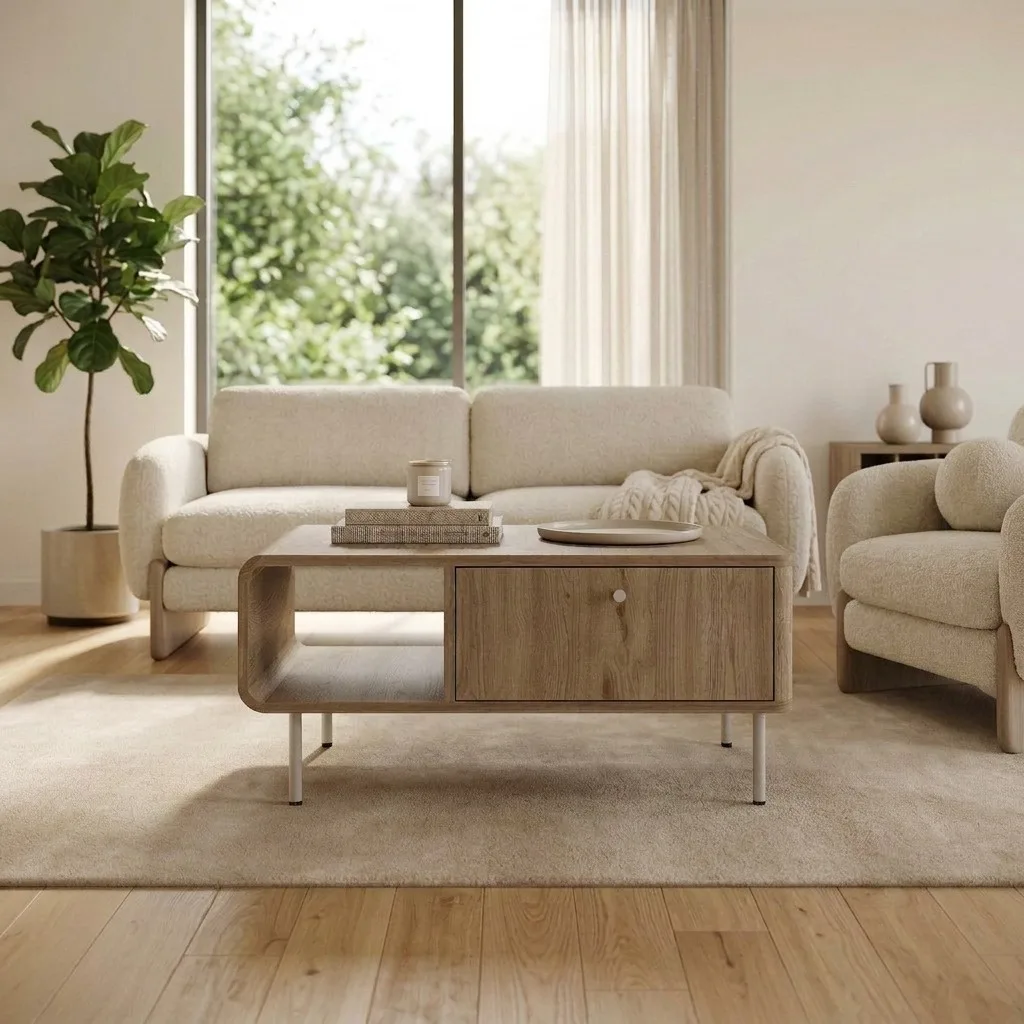
Every furniture listing starts with the same image: the product on a clean white background. Amazon requires a pure white main image (RGB 255,255,255) for search results; most other marketplaces expect a neutral, distraction-free hero shot even where the rule isn't written down. It's the least glamorous image in your gallery — and the one every single buyer sees.
The traditional way to get it is a lightbox or a studio: sweep, lights, tripod, and an editing pass to lift the background to true white. The new way is to let AI do the studio's job. This guide covers what a white-background furniture shot needs to get right, where traditional and AI approaches differ, and how to build a full white-background angle set from one photo.
What a Good White-Background Shot Gets Right
True white, not grey. An off-white or shadow-grey backdrop looks dirty next to competitors' listings and can fail marketplace main-image rules. The background should read as paper-white while the product keeps its true tones.
A grounding shadow. Fully shadowless products look pasted-on and unreal. A soft, tight contact shadow under the feet keeps the piece physically believable — this is the detail cheap background-removal tools get wrong most often.
Colour fidelity. The single most damaging main-image mistake for furniture: the walnut looks orange, the grey sofa looks blue. Whatever produces your white-background image — camera, lightbox or AI — the product's colour must survive it, because the buyer will compare it against your lifestyle shots and, eventually, against the piece in their hallway.
Honest proportions. No wide-angle stretching. The silhouette in the hero shot is the promise the delivered product must keep.
Don't Stop at One: The White-Background Angle Set
Marketplaces reward galleries, and white-background shots aren't only for slot one. A complete set typically covers: straight-on front, both three-quarter views, a side profile, a detail crop, and — for storage furniture — an open-doors shot. Shot traditionally, that's six setups per product; per catalog, it's weeks.
This is where AI staging changes the economics: from one decent product photo, tools like OmniRoom generate the full multi-angle white-background set in minutes, with the product's geometry and finish held consistent across every view. (Our data on which angles are worth including is in the angle ranking article — the same hierarchy applies on white as in room scenes.)
Lightbox vs. AI: An Honest Comparison
| AI white-background | Studio / lightbox | |
|---|---|---|
| Cost per product | Cents | Tens to hundreds of €/$ |
| Time per angle set | Minutes | Hours, plus editing |
| Needs the physical product | No — one photo suffices | Yes, shipped and assembled |
| Consistency across a catalog | Same light and shadow every time | Drifts between sessions |
| Risk to watch | Colour/detail fidelity — verify against the source photo | Cost makes re-shoots rare, so mistakes persist |
The honest caveat on the AI side: fidelity is the whole game. A tool that redraws your product instead of preserving it produces beautiful images of furniture you don't sell. Whatever tool you use, compare the output against the source photo — legs, hardware, seam lines, wood tone — before publishing.
Pre-Publish Checklist
1. Background reads true white at full brightness (no grey corners or vignetting).
2. Soft contact shadow under the product — grounded, not floating.
3. Colour matches the physical product and your lifestyle shots.
4. All legs, handles and edges intact — nothing cropped or hallucinated.
5. Resolution high enough for marketplace zoom (2000px+ on the long edge is a safe floor).
6. Consistent camera height and margins across your whole catalog — the grid view is where consistency shows.
Related reading: Furniture photo angles ranked by download data · Amazon furniture photography guide · Dimension images that cut returns