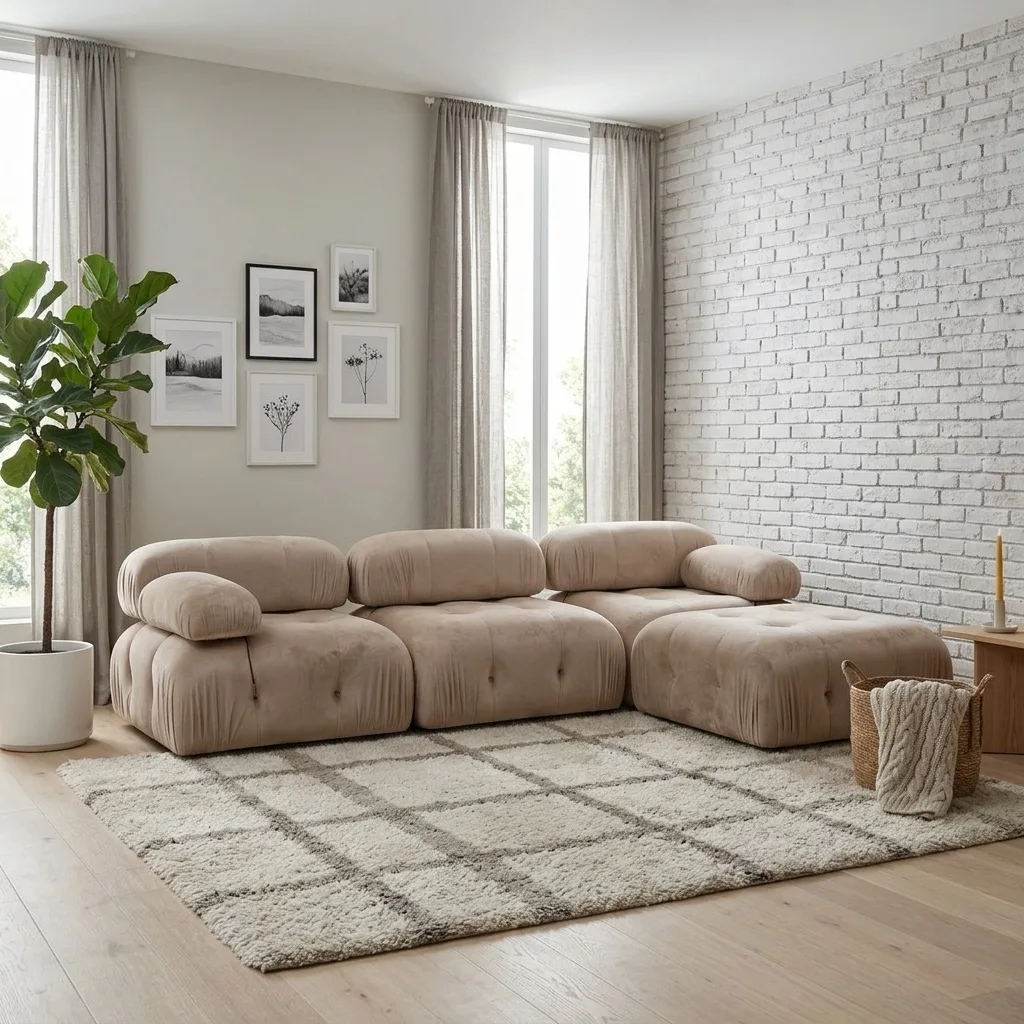
Photoroom earned its reputation honestly: it is probably the best background remover on the market, the batch tools are excellent, and Pro pricing (from around $8 a month billed annually) is hard to argue with. If your catalog is phone cases and cosmetics, you can stop reading — keep Photoroom.
Furniture sellers keep looking anyway, and usually for the same reason: Photoroom is an editing tool at heart. It cleans up a photo brilliantly, but it doesn't think in rooms. A sofa listing needs coherent interior scenes, matching camera angles of the same room, print-grade resolution, and an Amazon-compliant white-background shot — produced consistently across a 200-SKU catalog.
One thing before we start: OmniRoom is our product. We build it, so read our entry with that in mind. The rest of the comparison is honest anyway — including the cases where keeping Photoroom is the right call.
Quick Answer
If furniture is all you sell, use a furniture-specific tool: OmniRoom stages a single product photo into styled room scenes, camera angles, video, and Amazon-compliant white-background shots at 2K and 300 DPI. If furniture is one category among many, Pebblely is the closest like-for-like Photoroom replacement for scene generation. For design-led campaign imagery look at Flair.ai; for API-scale processing, Claid.ai; and Canva remains the budget fallback if you already pay for it.
Where Photoroom Stops for Furniture
Three gaps show up in furniture work specifically:
Scenes, not rooms. Photoroom's AI backgrounds place your product into a setting competently, but you won't get six coherent interior styles of the same sofa, or the same room photographed from different angles. Furniture galleries are built from exactly those sets.
Fidelity under scale pressure. Buyers measure a sideboard against their wall. General-purpose generation can drift on proportions and wood tone — the two things a furniture return is most often blamed on.
No video, no listing set. A modern furniture listing wants a lifestyle gallery, a white-background main image, and increasingly a short video. Producing that set is a workflow, not an edit.
1. OmniRoom — the Furniture Specialist
OmniRoom does one category and nothing else. Upload a single product photo and it generates styled room scenes in up to six interior styles, camera angles of the same scene, Amazon-compliant white-background shots, colour and material variants, product videos, and marketplace-specific listing copy. Everything exports at 2K and 300 DPI, with 4K available through an AI upscale.
The pricing model is unusual: generating is free, and you spend credits only on the images you actually download — which matters when you're testing scenes across a big catalog. See real output in the examples gallery.
Where it's not for you: anything that isn't furniture. If your catalog is mixed, pair it with a generalist or skip it.
2. Pebblely — the Closest Like-for-Like Swap
Pebblely is the tool most Photoroom users try next: drop in a product shot, pick from around forty background themes, get a usable image in seconds. The free tier is real, and paid plans run roughly $9–19 a month. Output tops out at 2048×2048 — fine for web, thin for print or zoom-heavy galleries — and larger furniture can come back with subtly off proportions. We compared Pebblely's own alternatives here.
Best for: mixed-catalog sellers who want fast, cheap scene backgrounds and can accept web-grade output.
3. Flair.ai — for Design-Led Brand Content
Flair.ai gives you a drag-and-drop canvas where you compose scenes with templates and props, then let the AI render the result. More creative control than any one-click tool — and more time spent per image. Paid plans run roughly $8–38 a month.
Best for: brands making campaign and social imagery where art direction matters more than throughput.
4. Claid.ai — for API-Scale Catalogs
Claid.ai is built for teams that talk to their image pipeline through an API: enhancement, background generation, and lifestyle scenes up to 2K, from around $15 a month. The right shape of tool for a marketplace processing thousands of images programmatically; more machinery than a seller staging this week's arrivals needs.
Best for: engineering teams automating image processing at catalog scale.
5. Canva — the Budget Fallback
Canva's AI features aren't built for product staging, but plenty of small sellers use them because the subscription is already paid for. Composited furniture scenes made in a design tool tend to look composited — lighting that doesn't match, shadows that sit wrong. Fine for a side hustle; usually not for Amazon page one.
Best for: casual sellers with an existing Canva subscription and forgiving customers.
How to Choose
You only sell furniture → OmniRoom, and keep Photoroom if you still want its editing tools — they solve different problems.
Furniture is one of many categories → Pebblely for scenes, or simply stay with Photoroom and accept the staging ceiling.
You make brand campaigns → Flair.ai, and budget the design time.
You process images via API at volume → Claid.ai.
Whichever you choose, run your three hardest products through the free tier first: the piece with visible wood grain, the one with tricky proportions, and the one whose colour customers complain about.
Frequently Asked Questions
Is Photoroom good enough for furniture listings?
For editing and background removal, yes — it's excellent. For staging coherent room scenes, multi-angle galleries, or print-grade output, furniture sellers typically outgrow it.
What is the best Photoroom alternative for Amazon furniture images?
A tool that produces both a compliant pure-white main image and lifestyle gallery shots from the same upload. OmniRoom does both; our Amazon furniture photography guide covers the full requirements.
Will switching tools change my product's colours?
It can. General-purpose generators reimagine the whole image, which is where colour drift creeps in. Furniture-specific tools lock the product and generate only the scene around it — but always compare output against the physical product before publishing.