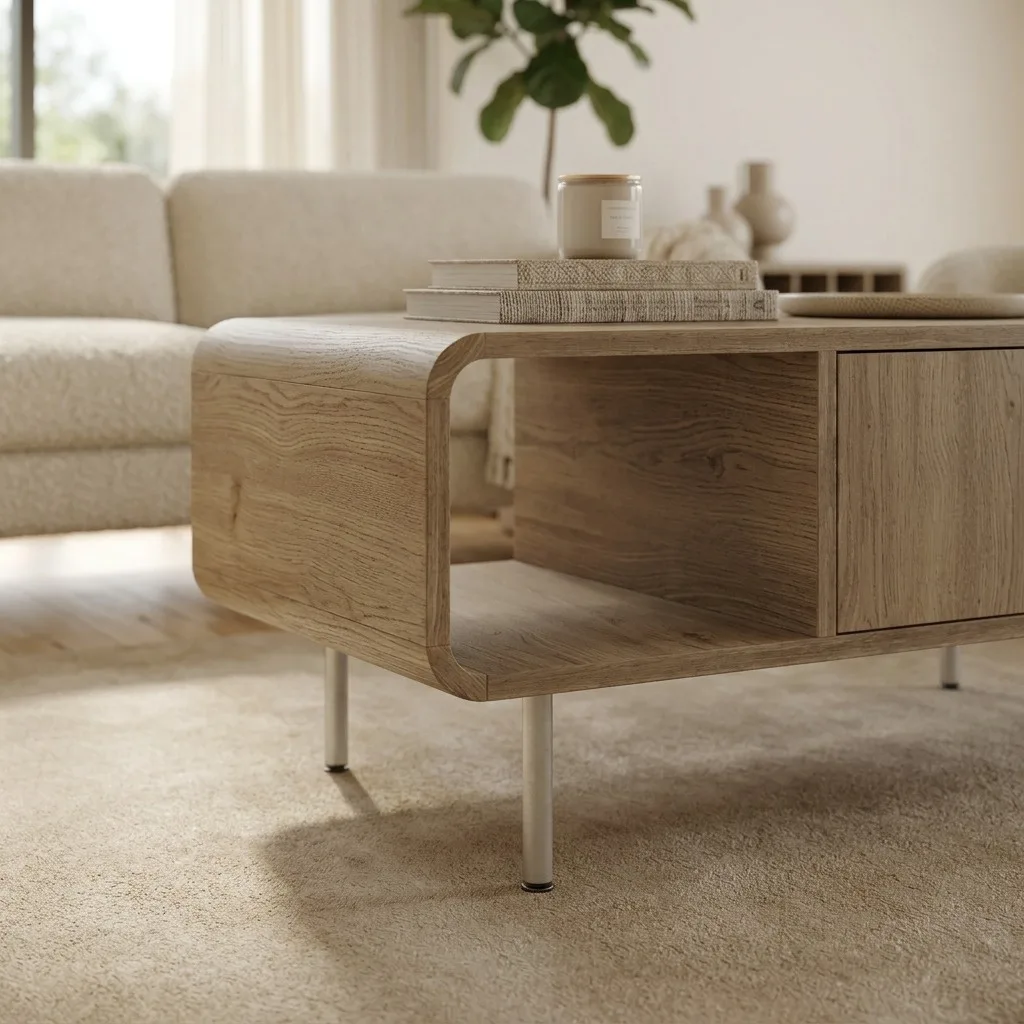
Pebblely deserves its popularity: it's fast and for small products the backgrounds look good. (Worth knowing: its free tier has since been retired — paid plans now start at about $9 a month.) But furniture pushes on exactly the things it's weakest at — resolution, proportions, and scenes that have to read as believable rooms rather than backdrops. If you've hit those limits, here are five alternatives worth your time.
Disclosure up front: the first tool on this list, OmniRoom, is our own product. We've explained specifically why it earns the spot rather than asking you to take our word for it, and the other four entries are tools we'd genuinely point sellers to for the right use case.
Quick Answer
For furniture-only catalogs, OmniRoom is the strongest Pebblely alternative: it's built for furniture fidelity, outputs 2K at 300 DPI against Pebblely's 2048px ceiling, and adds room angles, white-background shots, and video. For mixed catalogs, Photoroom is the best general replacement. Flair.ai suits design-led brand work, Claid.ai suits API-scale processing, and Canva is the budget fallback. Mokker is the closest like-for-like swap — the same template-scene idea with a free tier Pebblely no longer offers.
Why Sellers Outgrow Pebblely
Three complaints come up again and again from furniture sellers using general-purpose staging tools:
- Resolution ceiling. 2048×2048 is fine for a thumbnail, but zoom-heavy marketplace galleries and print materials want more.
- Proportion and texture drift. A generator that reimagines the whole image will sometimes stretch a sideboard or smooth away wood grain. Buyers notice; returns follow.
- Backgrounds, not rooms. Furniture sells in context. A sofa needs a living room around it — matching light, a floor it credibly sits on — not a pretty gradient behind it.
None of this makes Pebblely a bad tool. It makes it a general tool, being asked a specialist's question.
1. OmniRoom — the Furniture Specialist
OmniRoom only does furniture, which is precisely why it belongs at the top of this list. One product photo becomes styled scenes in up to six interior styles, multiple camera angles of the same room, Amazon-compliant white-background shots, colour variants, and product video — all at 2K, 300 DPI, with 4K upscaling available.
Generation is free and you pay credits only for the images you download, so testing it against your own catalog costs nothing. The trade-off is the flip side of the specialisation: if you sell anything besides furniture, it won't help you there.
2. Photoroom — the All-Round Replacement
If you want the closest like-for-like swap with a bigger feature set, Photoroom is it: best-in-class background removal, AI backgrounds, batch processing of whole folders, and strong mobile apps, with paid plans from around $8 a month. It won't stage coherent rooms or produce angles and video, but as a general product-photo workhorse it's the safest pick.
3. Flair.ai — for Design-Led Brand Content
Flair.ai gives you a design canvas rather than a one-click generator: compose the scene with templates and 3D props, then render. Campaign imagery comes out with real art direction — at the cost of time per image. Choose it for brand content, not for churning through a 300-SKU listing backlog.
4. Claid.ai — for API-Scale Catalogs
Claid.ai is the pick when images are a pipeline problem: an API-first platform for enhancement and scene generation up to 2K, from roughly $15 a month into enterprise plans. If your team measures throughput in thousands of images and has an engineer to wire it up, it will outwork every browser tool here.
5. Canva — the Budget Fallback
Already paying for Canva? Its background removal and Magic Studio tools can produce passable staged images for casual selling. The results tend to look composited under scrutiny — mismatched lighting and shadows are the usual tells — so treat it as a stopgap rather than a destination.
6. Mokker — the Closest Like-for-Like Swap
If what you liked about Pebblely was the workflow — upload, pick a generated scene, done — Mokker (acquired by soona, still standalone) is the most direct replacement. Its templates are category-aware, output quality on small-to-medium products is comparable, and unlike Pebblely it still has a free tier: 40 photos, with the Starter plan around $13 a month for 500.
It inherits the same furniture weakness as Pebblely, though: template scenes drift on scale and props with large pieces. If that's exactly the problem sending you away from Pebblely, Mokker is a sideways move — the furniture-specific options above are the actual fix.
How to Choose
Match the tool to the shape of your catalog. Furniture-only: OmniRoom. Mixed products: Photoroom. Brand campaigns: Flair.ai. Engineering-driven volume: Claid.ai. Minimal budget: Canva.
Then run the same test we recommend in our full comparison of AI furniture staging tools: push your three hardest products through the free tiers and judge the results against the physical items. The tool that keeps your wood grain, proportions, and colour honest is the one that will keep your return rate down.
Frequently Asked Questions
Is there a free Pebblely alternative?
Every tool on this list has a free tier or free generation — which matters more now that Pebblely itself has retired its free plan. OmniRoom's model is generation-free with credits charged only on download; Mokker gives you 40 free photos.
Which alternative gives the highest resolution?
OmniRoom outputs 2K at 300 DPI as standard with a 4K AI upscale, which is the highest furniture-ready output among the tools compared here. Check current specs on each vendor's site before deciding — plans and limits change.
Can any of these produce Amazon-compliant main images?
Amazon requires the main image on a pure white background. OmniRoom generates these directly alongside lifestyle scenes; with the general tools you'd typically use background removal to get there. Details in our Amazon guide.
Related comparisons: Photoroom alternatives · Flair.ai alternatives · OmniRoom vs Pebblely vs Photoroom · Best AI product photo tools for Amazon furniture sellers.