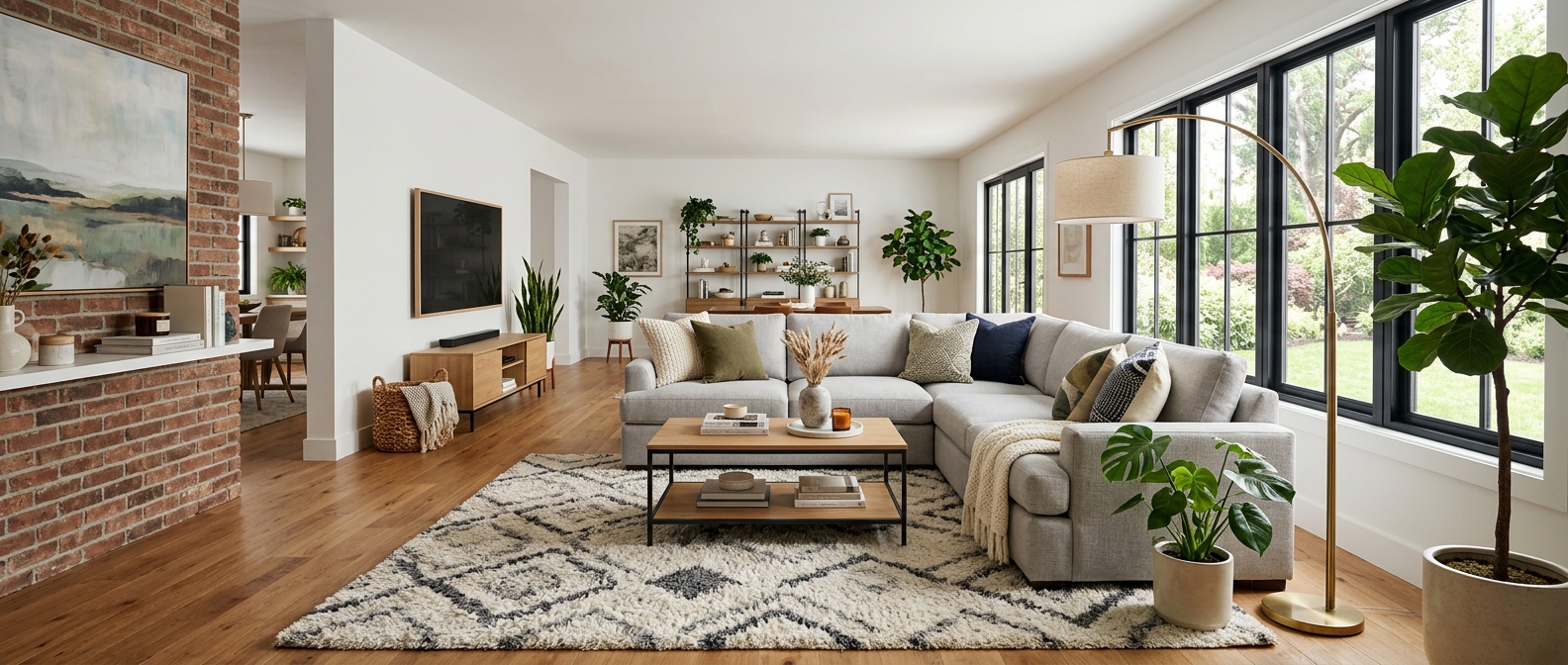
Wayfair is the only major marketplace built exclusively for home goods and furniture. Unlike Amazon or eBay where furniture competes with electronics and groceries, Wayfair's entire platform — its search algorithm, recommendation engine, and merchandising — is designed around furniture and home decor.
That specialization makes Wayfair the second-largest online furniture retailer in the United States, generating over $12 billion in annual revenue with more than 33 million active customers. For furniture sellers, Wayfair represents a curated, high-intent audience that comes specifically to buy home furnishings.
active customers shopping specifically for home furnishings
Wayfair 2025 Annual Report
of Wayfair buyers say room scene images influenced their purchase
Wayfair Seller Insights 2025
longer dwell time on listings with professional room scenes
Wayfair Platform Data
But Wayfair's furniture-centric approach also means higher visual expectations. Shoppers on Wayfair are accustomed to professionally styled room scenes, and the platform actively rewards sellers who deliver them. This guide covers every image specification, the platform's push toward 3D and lifestyle content, and how to meet these requirements efficiently.
Wayfair image specifications: main, wide scene, and detail shots
Wayfair's image requirements are among the most detailed of any furniture marketplace. Here are the exact specifications for each image type.
What Wayfair actually publishes, checked 19 September 2026. Wayfair keeps its supplier image standards behind the Partner Home login. Its public pages state two things only: at least 1000 x 1000px to be featured, and 2000 x 2000px to highlight detail. Everything else below — background, file format, frame fill, image count — is our recommendation, drawn from what the marketplaces that do publish rules enforce. Where you see "2000px minimum, pure white, no watermarks" quoted as a Wayfair requirement elsewhere on the web, that appears on no Wayfair-owned page. See the sourced requirements table for every marketplace side by side.
Main product image
Wide scene image (hero banner)
Wayfair uniquely uses a wide-format lifestyle image as a hero banner on product pages. This is one of the most impactful image slots on any marketplace.
16:9 aspect ratio — Wayfair's recommended wide scene format
This image appears as a full-width banner on the product detail page
Detail and alternate angle images
Wayfair's own guidance is modest: at least two images to start in Imagery 101, three or more in its onboarding checklist. Six is our recommendation rather than Wayfair's, and this is what we would use the slots for:
- 3/4 angle view — shows depth and dimensionality
- Side profile — critical for seating depth and table heights
- Close-up details — fabric weave, wood grain, hardware, stitching
- Back view — especially for items placed against walls
- Scale reference — product with recognizable objects for size context
We shoot additional images at 2000 x 2000px as well. Wayfair's published floor is 1000 x 1000px.
3D and lifestyle expectations: Wayfair's visual push
Wayfair has invested heavily in visual commerce technology. Their "View in Room" AR feature, 3D product visualization, and curated room scene galleries set them apart from other marketplaces — and they expect sellers to contribute to this visual standard.
Wayfair reports that products with "View in Room" and 3D visualization see 3x higher conversion than those without — making visual investment one of the highest-ROI activities for sellers. — Wayfair Partner Summit 2025
What Wayfair buyers expect from furniture imagery:
Curated room scenes
Wayfair's own editorial content sets the bar. Sellers whose imagery matches or approaches this quality level earn better placement in category pages, style guides, and email features. Think interior design magazine quality — coordinated color palettes, complementary accessories, natural lighting.
Style variety
Wayfair's audience spans from Modern Minimalist to Farmhouse to Coastal. Showing your product in multiple interior styles helps it surface across different shopper segments and style-based search queries. A sofa shown in 3 different room styles reaches 3x the audience.
Accurate proportions and scale
Wayfair's "View in Room" feature has trained shoppers to expect accurate scale representation. Room scenes where the furniture looks too large or too small relative to the space erode trust and increase returns. Proportional accuracy is non-negotiable.
Product descriptions and imagery connection
Wayfair's search algorithm weighs the relationship between product descriptions and imagery more heavily than most marketplaces. A well-optimized listing creates consistency between what the text promises and what the images show.
| Description Element | Matching Image Type |
|---|---|
| "Solid oak frame with natural finish" | Close-up showing wood grain and finish |
| "Perfect for small apartments" | Lifestyle scene in a compact room |
| "Seats 6 comfortably" | Wide scene showing the table with chairs |
| "Easy 10-minute assembly" | Infographic showing assembly steps |
| "Available in 3 colors" | Color variant comparison image |
Wayfair's platform automatically extracts and indexes keywords from product descriptions to match search queries. When those keywords are visually reinforced in your images, shoppers confirm the listing matches their intent — reducing bounce rate and improving conversion.
This is where AI-generated product descriptions paired with matching AI-staged images create a powerful synergy. The descriptions and visuals can be produced from the same source product photo, ensuring consistency that manual processes often miss.
How OmniRoom helps you succeed on Wayfair
Wayfair's visual standards are high, but OmniRoom — the only AI staging platform designed exclusively for furniture — makes meeting them practical, even for sellers with hundreds of SKUs. Unlike generic AI tools, OmniRoom understands the proportional accuracy and material rendering that Wayfair's furniture-centric marketplace demands.
| Wayfair Requirement | OmniRoom Feature | Output |
|---|---|---|
| Main image (2000x2000, white bg) | White BG Angles | 6 clean catalog-ready angles |
| Wide scene (2000x1125, 16:9) | Multirooms (custom crop) | Lifestyle scenes in wide format |
| Multiple room styles | Multirooms | 6 different interior styles simultaneously |
| Detail close-ups | Multi-Perspective + Move Cam | Close-angle detail shots |
| Dimension graphics | White BG + Dimension Overlay | Annotated dimension images |
| SEO-optimized descriptions | AI Descriptions (Wayfair) | Wayfair-optimized product copy |
The Multirooms feature is particularly powerful for Wayfair, where room scene quality directly impacts placement in style guides and curated collections. Generating 4 room styles — Modern, Scandinavian, Coastal, Farmhouse — gives you the variety Wayfair rewards.
Wayfair furniture listing checklist
Use this checklist before submitting any furniture listing to Wayfair:
- Main image: 2000x2000px square, white/light background, product centered with 80-90% fill
- Wide scene: 2000x1125px (16:9) lifestyle image showing the product in a professionally styled room
- Room scenes: At least 2 lifestyle images in different interior design styles
- Alternate angles: 3/4 view, side profile, and back view
- Detail shots: Close-up of primary material (fabric, wood, metal finish)
- Dimension image: Clear dimension annotations on a clean product shot
- Total count: Wayfair asks for two to three to start; 6-8 is our recommendation, not a Wayfair rule
- File format: not published by Wayfair — JPEG is the safe default
- Description-image alignment: Every key feature mentioned in text is visually supported
- Color accuracy: Images match actual product — critical for Wayfair's low-return expectations
Wayfair sellers who meet or exceed these visual standards consistently see better category placement, higher conversion, and lower return rates. The platform's furniture-first design means visual quality is weighted more heavily in search ranking than on generalist marketplaces.
Related reading: What 36,000 AI-staged images taught us · Amazon furniture photography guide · Dimension images that cut returns