These are the three tools furniture sellers compare most often, and they represent three genuinely different philosophies: Photoroom is an editor that generates, Pebblely is a background generator, and OmniRoom is a furniture staging platform. Which one is right depends less on feature lists and more on what your catalog demands.
Full disclosure up front: OmniRoom is our product. We've kept the comparison honest — including the two scenarios below where we'd tell you to buy one of the other two.
Quick Answer
Furniture-only catalog → OmniRoom: room scenes in multiple styles, camera angles, video, and Amazon-compliant white-background shots from one upload, at 2K/300 DPI.
Mixed catalog, scenes on a budget → Pebblely: fastest cheap backgrounds, web-grade output.
Editing-heavy workflow, any catalog → Photoroom: the best cleanup and batch editing tools of the three.
The Comparison at a Glance
| OmniRoom | Pebblely | Photoroom | |
|---|---|---|---|
| Built for | Furniture only | Any product | Any product + editing |
| Room scenes | Up to 4 styles, same product | ~40 background themes | AI backgrounds |
| Camera angles of one scene | Yes | No | No |
| Max output | 2K standard, 4K upscale, 300 DPI | 2048×2048 | Varies by plan |
| Video | Yes | No | No |
| Pricing model | Free to generate; credits on download | Free tier; ~$9–19/mo | Free tier; Pro from ~$8/mo |
Round 1: Furniture Fidelity
This is the make-or-break test. A buyer measures a sofa against their wall and holds the delivered colour against the listing photo — get either wrong and the product comes back.
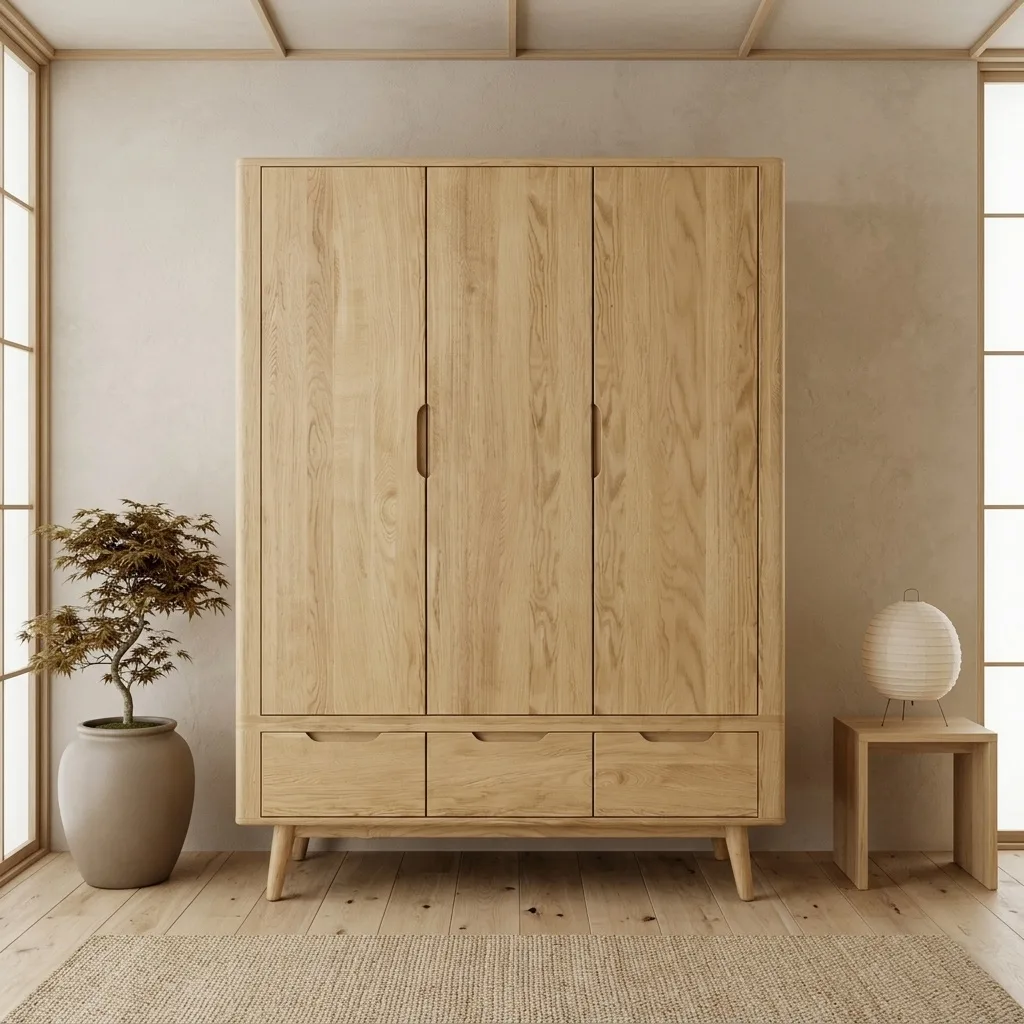
General-purpose generation reimagines the full image, which is where proportion drift and colour shift creep in; on larger furniture Pebblely and Photoroom both show it under scrutiny. OmniRoom's engine is tuned to lock the product — structure, wood grain, colour — and generate only the room around it, and recent updates added deterministic colour-locking on top of the model. Judge for yourself against the examples gallery.
Round to: OmniRoom, by design rather than by accident — it's the only one of the three for which furniture fidelity is the whole product.
Round 2: Output Quality and Marketplace Fit
Amazon wants a pure-white main image and rewards a rich lifestyle gallery; Wayfair and B&Q have their own image specs; print catalogs want 300 DPI. Pebblely tops out at 2048×2048 with no white-background compliance workflow. Photoroom handles white backgrounds well (it began life as a background remover) but doesn't produce coherent multi-angle room sets. OmniRoom produces the compliant main image, the styled gallery, the angle set, and a product video from the same upload.
Round to: OmniRoom for a complete listing set; Photoroom if your main need is clean white backgrounds.
Round 3: What It Really Costs for a Catalog
Headline prices mislead; the real question is the cost of good images for 50–500 SKUs. Photoroom Pro (~$8/mo annual) and Pebblely (~$9–19/mo) are flat subscriptions — cheap if enough outputs are usable, expensive in time when they aren't. OmniRoom charges nothing to generate; you spend credits only on images you download. If you try five scenes per product and keep two, you pay for the two.
Round to: depends on your keep-rate — flat plans favour high volume with low standards; pay-per-keep favours selective sellers.
When Each Tool Wins
Buy Photoroom if editing dominates your day: cutouts, cleanups, batch corrections across a varied catalog.
Buy Pebblely if you want the fastest, cheapest decent backgrounds and sell more than furniture.
Buy OmniRoom if furniture is the business and your listings need the full set: scenes, angles, white-background, video, copy.
See also: our full six-tool comparison, Photoroom alternatives, and Pebblely alternatives.
Frequently Asked Questions
Can I use Pebblely or Photoroom images on Amazon?
Yes — provided the main image is a compliant pure-white shot and every image represents the product accurately. Details in our Amazon guide.
Do any of these tools make product videos?
Of the three, only OmniRoom generates product videos from the same upload used for images.
Which is best for a seller who isn't technical?
All three are browser tools with no technical setup. The difference is workflow: Photoroom feels like a photo editor, Pebblely like a background picker, OmniRoom like a staging studio organised around listings.
Related reading: Flair AI alternatives for furniture · Why retailers are switching to AI rendering