OmniRoom Team · November 10, 2026 · 4 min read
As of November 2026, OmniRoom is listed in the ChatGPT app directory under the name OmniRoom · AI furniture staging & photos (category: Creativity). Searching the directory for "furniture" or "OmniRoom" shows the app, and one click adds it to your ChatGPT. The same tools are available in Claude as a connector.
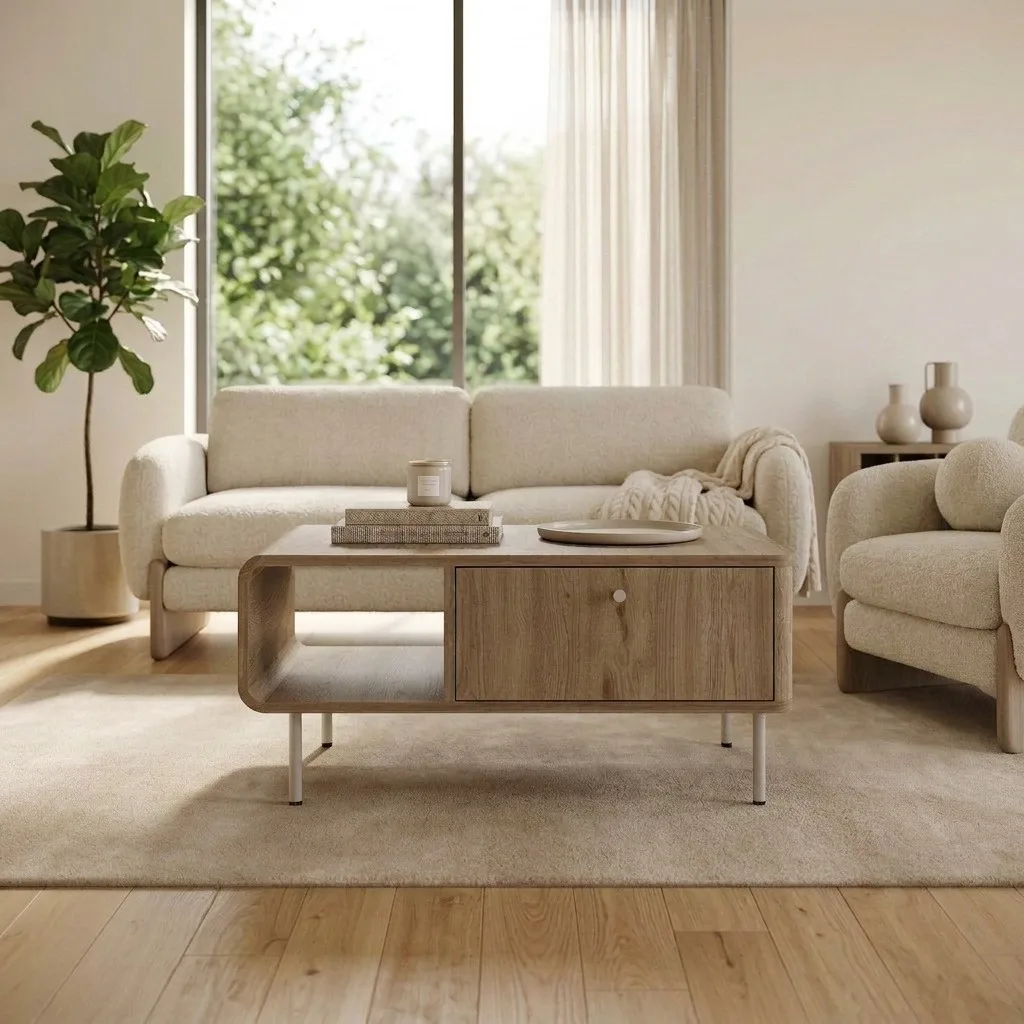
What this means in practice: you can attach a furniture product photo in a chat, type "put this sofa in a Scandinavian living room", and get back a staged image with buttons to try another room, set the real size, change the colour, or create white-background catalog shots, six-angle sheets and matching sets. No account, no sign-in and no API key are needed for the watermarked previews.
How to add OmniRoom to ChatGPT or Claude
ChatGPT
- Open Apps from the tools menu in ChatGPT, or go straight to the OmniRoom listing.
- Search for OmniRoom and click Add.
- Start a new chat, attach a product photo (or paste a public image link) and describe the scene you want.
Claude
- Go to Customize → Connectors → Add custom connector.
- Paste the server URL
https://www.omniroom.ai/api/mcp, choose "No sign-in", then Add and Connect. - In a chat, paste a public https link to the product photo and ask for the room, colour or catalog shot you need.
Step-by-step details, including the full tool list, are on the OmniRoom connector page.
What to ask for
OmniRoom is built for furniture and home-decor photos only, so prompts work best when they name the product and the setting. Examples that map directly to the seven tools:
- "Stage this armchair in a modern living room, straight-on front view." → styled room at true-to-life scale
- "Show this bed frame in a bedroom, 160 cm wide." → real-size staging from the dimensions you give
- "Recolour the fabric to sage green, keep the legs oak." → colour variant that keeps the shape
- "Make a clean white-background catalog photo of this table." → marketplace main image
- "Give me six camera angles of this sideboard." → six-angle product sheet
- "Show the staged room from different viewpoints." → six views of the same scene
- "Build a matching set around this sofa." → coordinated product family
Each request creates one image. The app never moves money and never changes anything in an OmniRoom account.
What the free preview includes, and when to use the web app
| Inside ChatGPT or Claude | OmniRoom web app |
|---|---|
| 1280 px preview with an OmniRoom watermark | 2K images, 300 DPI, 4K upscale, no watermark |
| One image per request, free usage limited per user (ChatGPT) or by a shared daily capacity (Claude) | 32 free credits on signup (about 8 images), then credit plans from $9.99/month; a 2K image costs 4 credits and downloads are free and unlimited |
| Single product, one scene at a time | Bulk import, product families, videos, marketplace exports, team seats |
The chat apps are the quickest way to test whether OmniRoom keeps your product's shape, colour and materials intact. When you need marketplace-ready files for a whole catalog, create a free account and continue in the web app with the same product photos.
Privacy
The photo you share and your request are used only to create the image you asked for. Details are in section 8a ("OmniRoom in ChatGPT") of the Privacy Policy and in the Terms of Service. ChatGPT shows the same policy links on the app listing.
Frequently asked questions
Is the ChatGPT app free? Yes for watermarked previews, within a per-user limit. Full-quality downloads need an OmniRoom account, which starts with 32 free credits.
Do I need an OmniRoom login inside ChatGPT? No. The app runs without sign-in or API keys.
Does it work for products other than furniture? No. OmniRoom is furniture and home-decor only, by design; that is what keeps the product fidelity high.
Can I use the previews on my listings? Previews carry a watermark and are meant for evaluation. Use the web app for listing images.
Is the Claude connector the same thing? Same tools and the same server; the only difference is the setup path and that Claude needs a public image link instead of an attachment.
Related reading: The 8 best AI furniture staging tools in 2026 · How to evaluate an AI furniture image platform · Connector setup page